4K Converter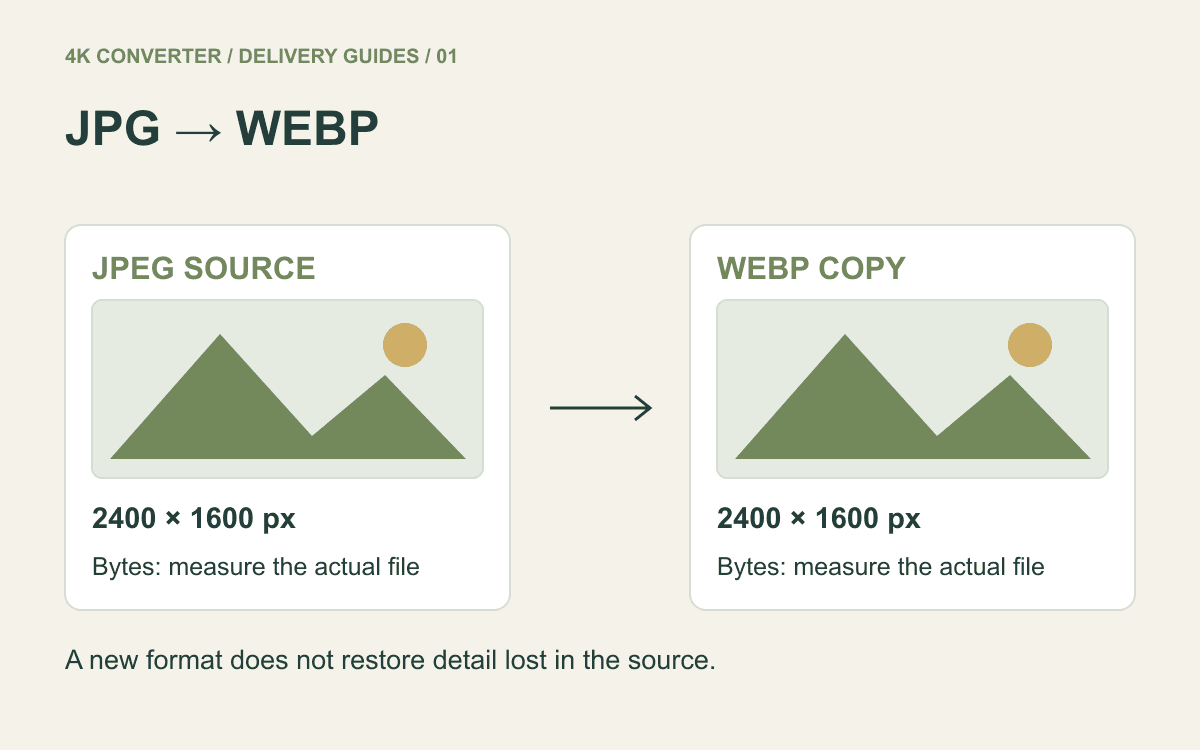
JPG to WebP: Make a Web Copy Without Guessing the Savings
Convert a JPEG photo to WebP, compare the real download size, and check skin, foliage, and gradients before replacing a website image.
Read guidePractical explanations for improving, converting, and choosing image and video files—with the limits and tradeoffs made clear.
Convert a JPEG photo to WebP, compare the real download size, and check skin, foliage, and gradients before replacing a website image.
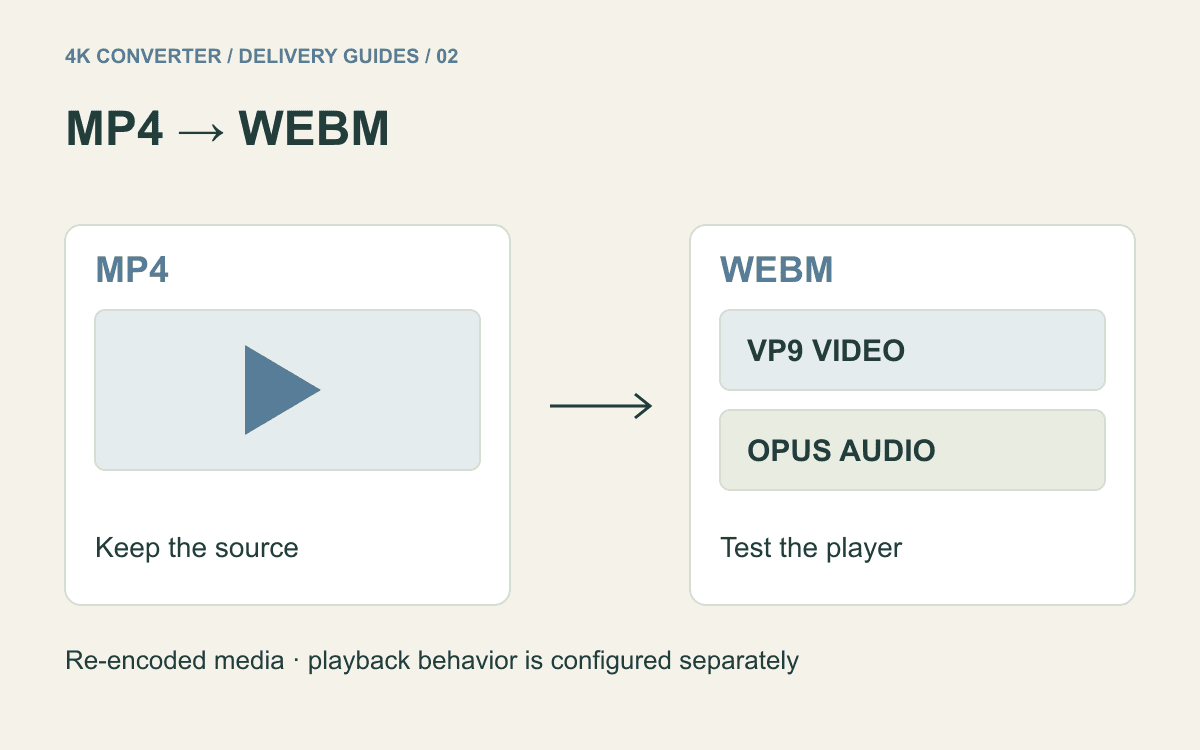
Read guideCreate a WebM version of an MP4, then verify the destination player, audio, duration, and file size instead of assuming the new extension solves delivery.
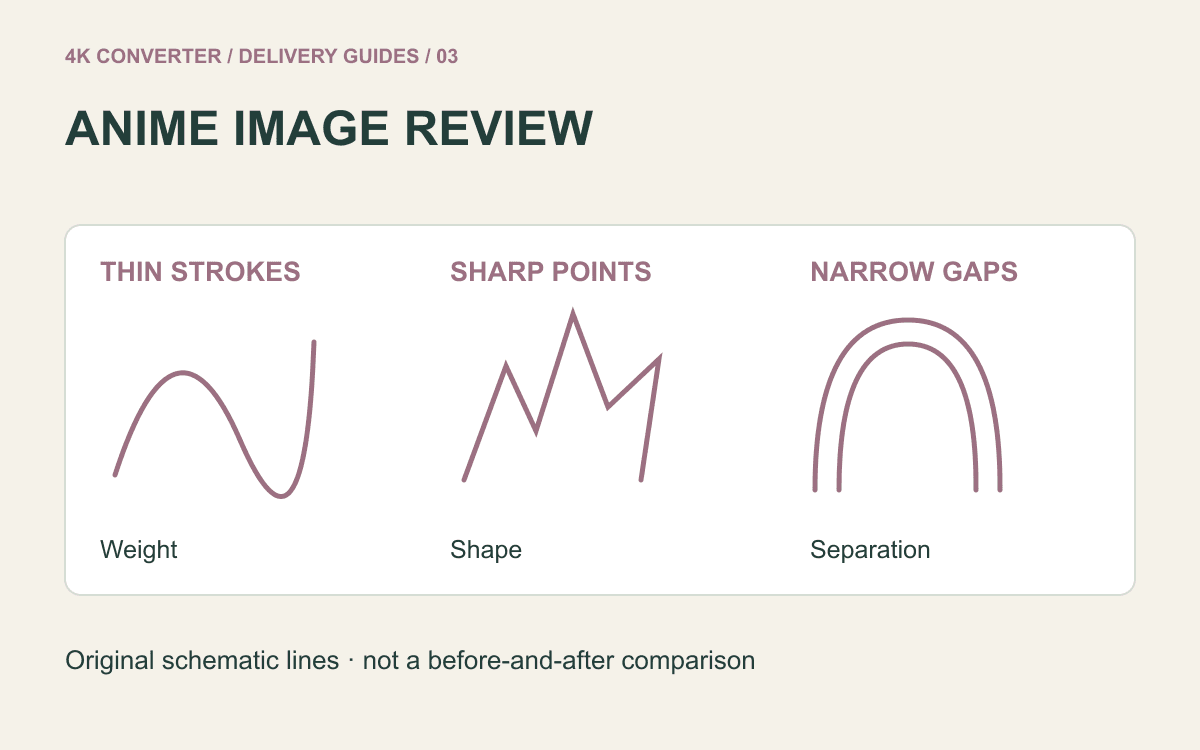
Read guideEnlarge a static illustration while checking line weight, eyes, flat colors, and lettering. Start from the artwork file when it is available.
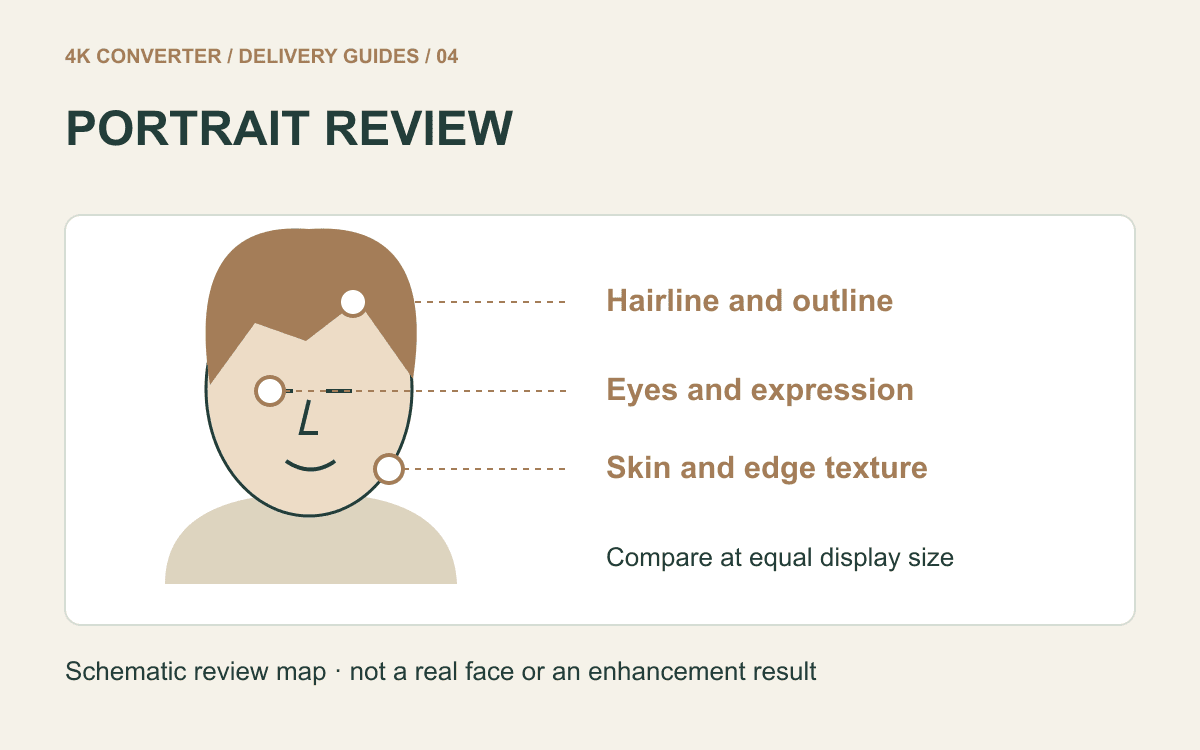
Read guidePrepare a larger portrait for a profile, presentation, or print while reviewing likeness, skin texture, hair, glasses, and the final crop.
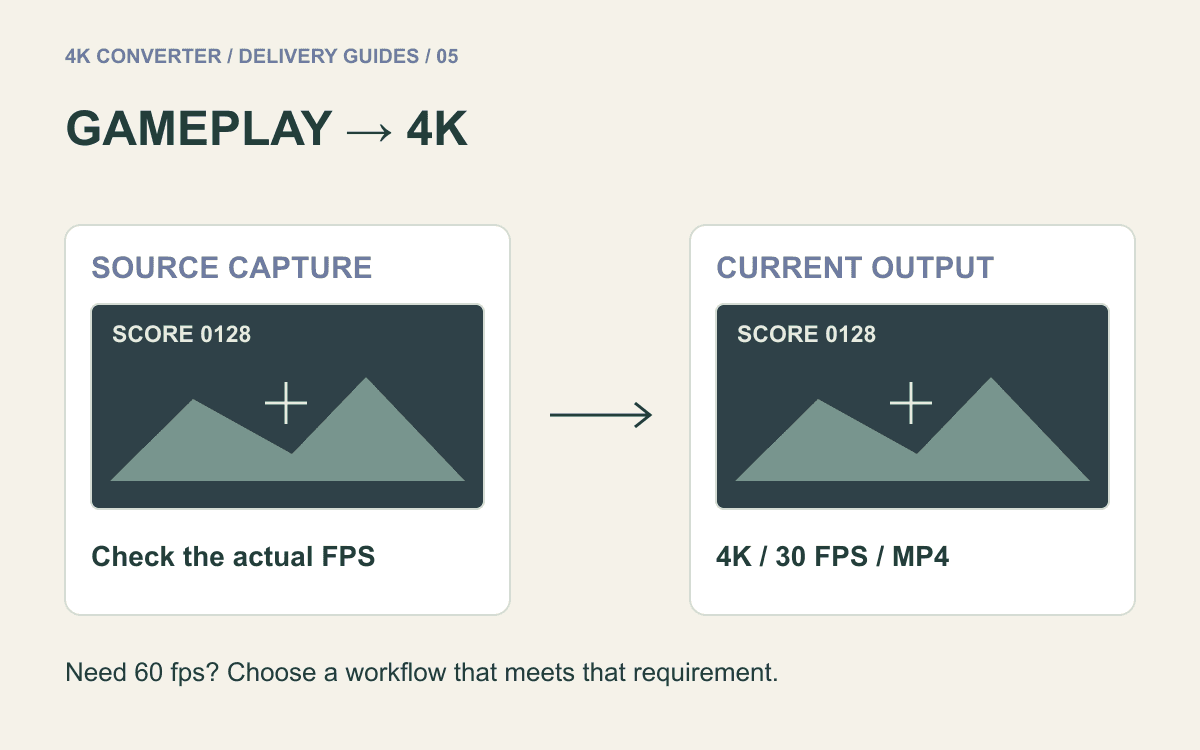
Read guideTest a short gameplay highlight at 4K, with clear checks for frame rate, camera movement, score text, minimaps, and audio timing.
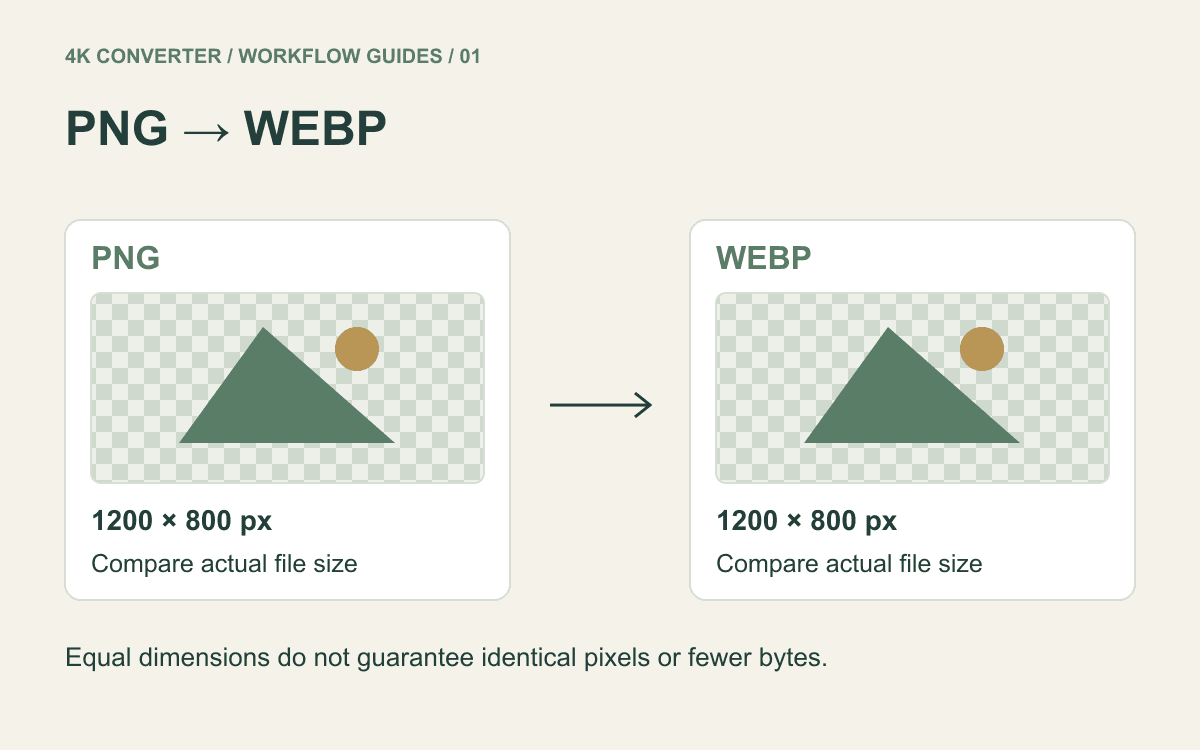
Read guidePrepare a WebP delivery copy of a static PNG, compare its real file size, and check transparency and fine edges before using it on a page.
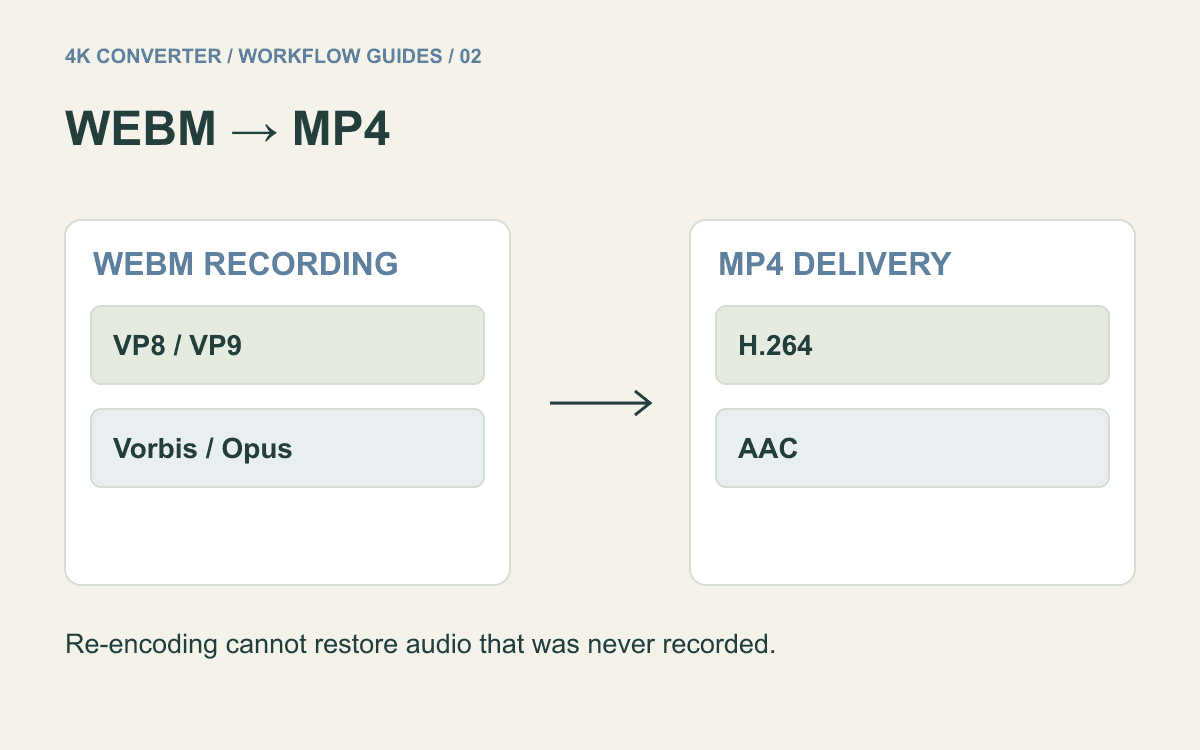
Read guideTurn a WebM screen recording into an MP4 delivery copy, then check the microphone track, small text, timing, and any transparent background.
Read guideConvert an older AVI recording without confusing playback compatibility with restoration. Check picture shape, moving edges, sound, and the original file first.
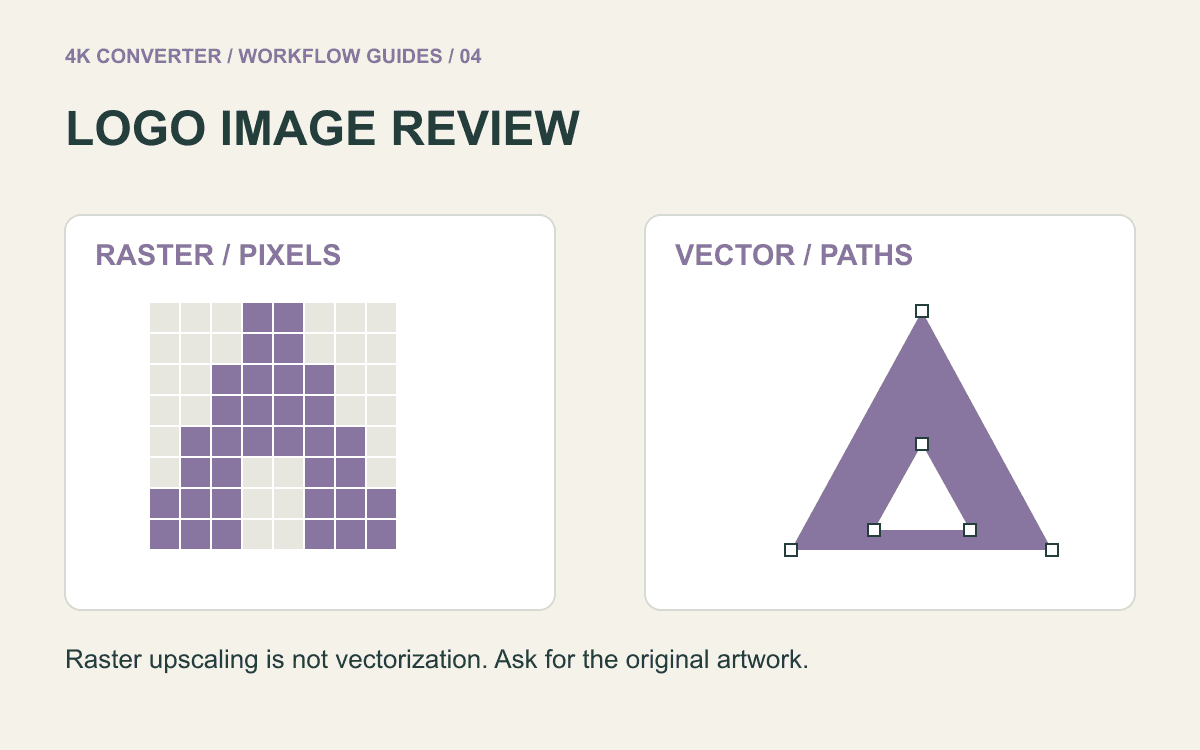
Read guideChoose a vector source when one exists. When all you have is a small raster logo, enlarge a test copy and compare lettering, geometry, color, and the background.
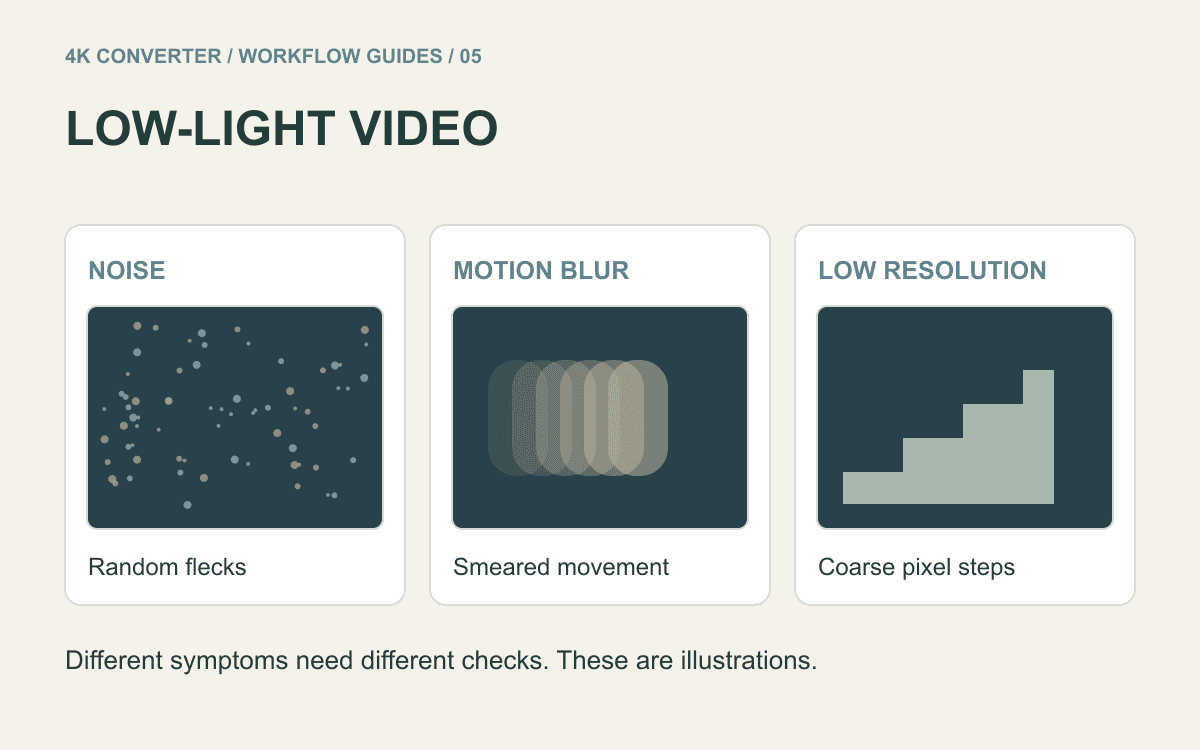
Read guideReview a short night scene before choosing an enhancement workflow. Identify noise, motion blur, and low resolution, then judge detail across moving frames.
Read guideMake a PNG copy for an upload or editing workflow, while keeping realistic expectations about transparency, detail, and file size.
Read guideTurn a still WebP asset into a PNG for editing or delivery, then check transparent edges, dimensions, and the file you actually downloaded.
Read guideMake an MP4 delivery copy from an MKV without assuming that changing the container will preserve every track or every bit of quality.
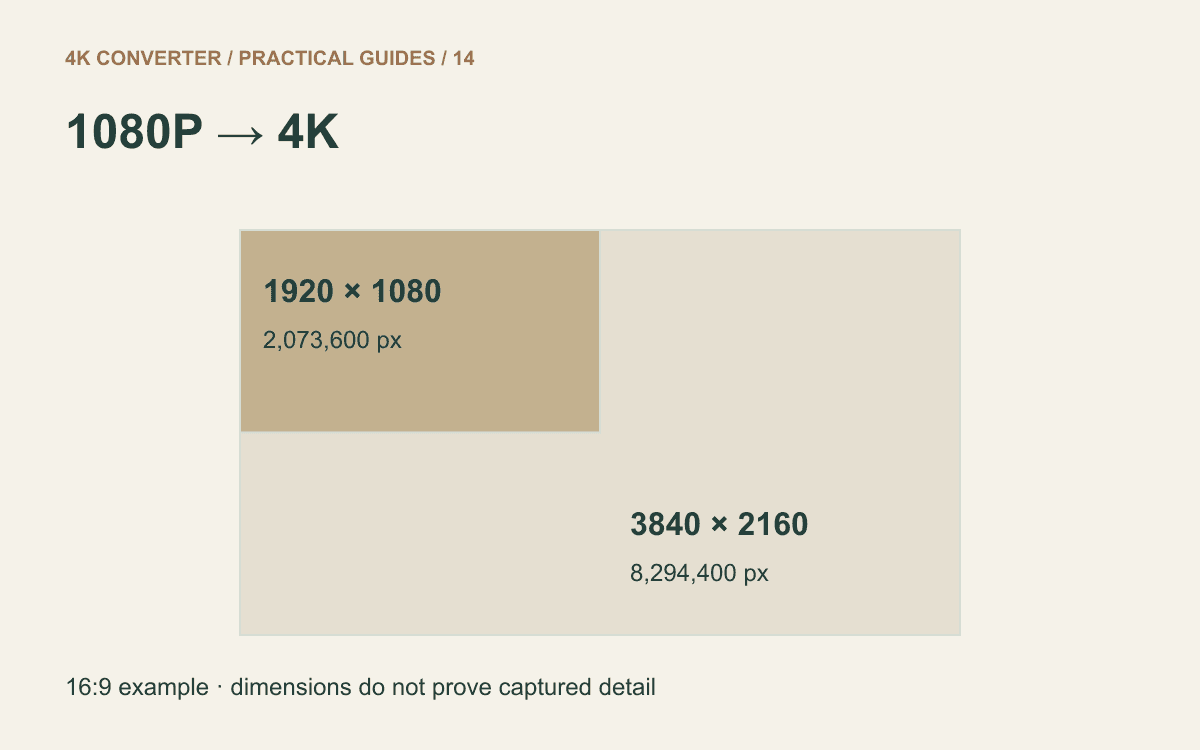
Read guideUnderstand the pixel increase, prepare a representative sample, and judge moving detail before keeping an enhanced 4K copy.
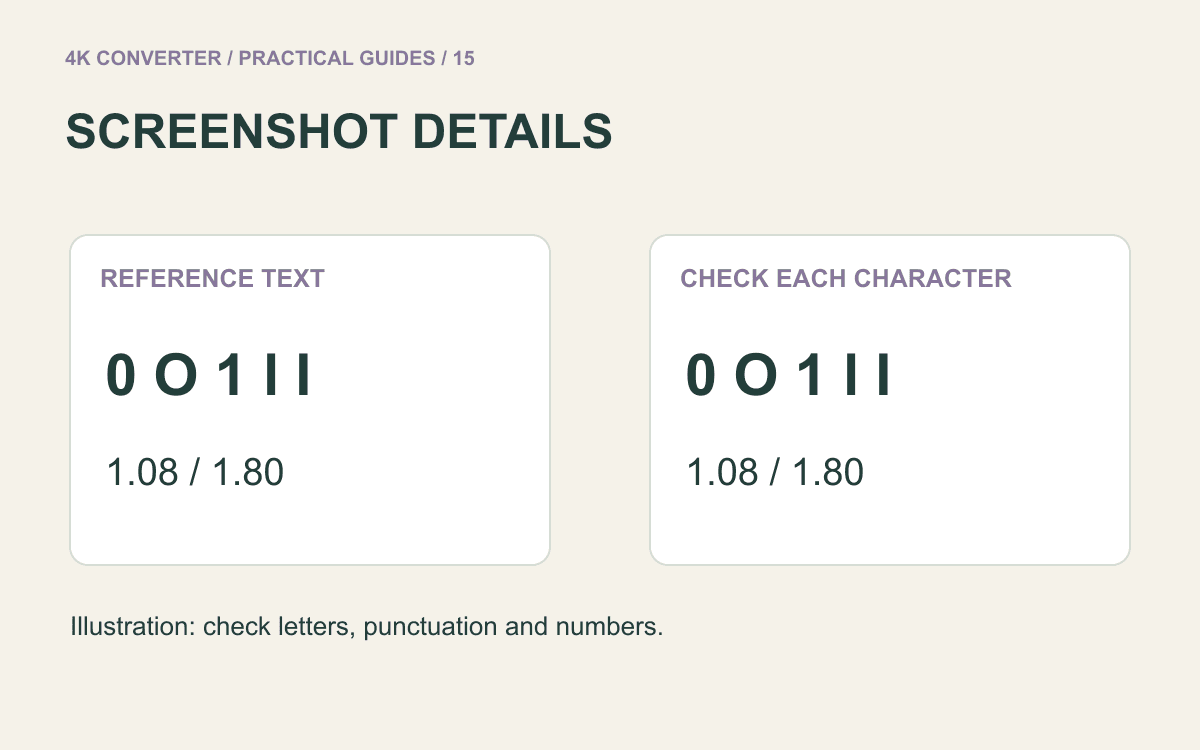
Read guideChoose between recapturing, resizing, and AI enlargement, then check letters and numbers before using a screenshot in a guide or presentation.
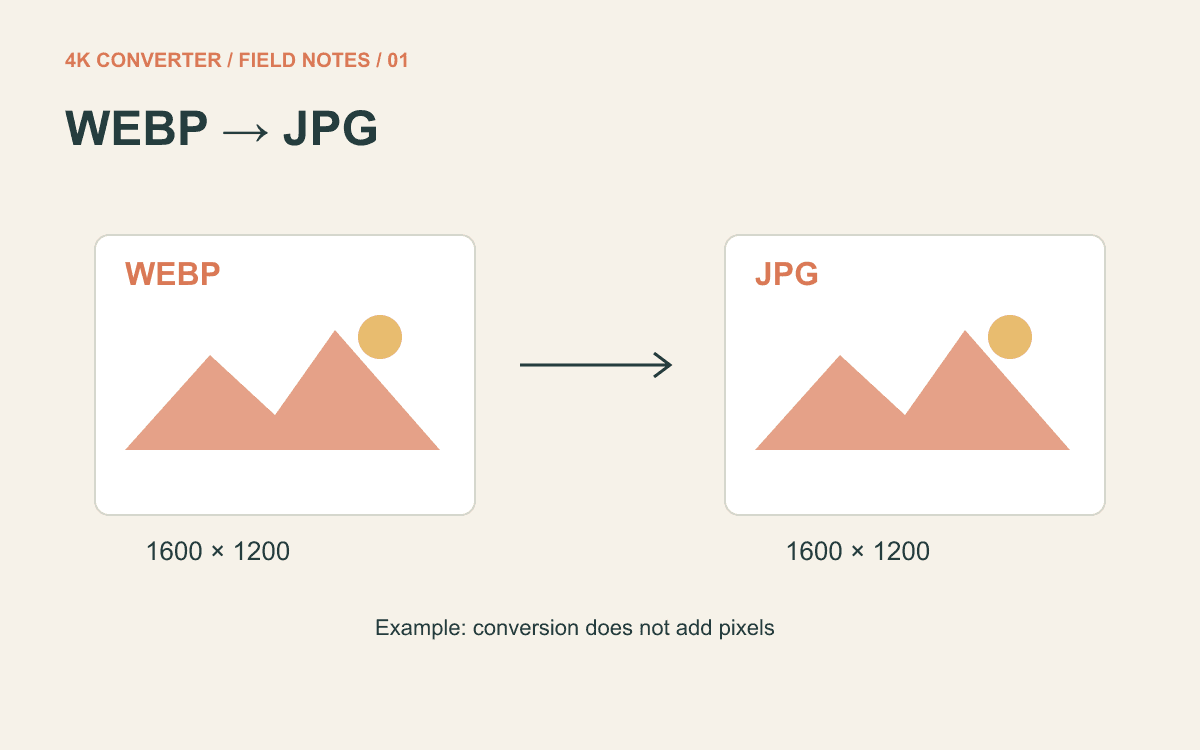
Read guideTurn a static WebP into a JPG, keep its dimensions, and check what actually matters to the receiving website.
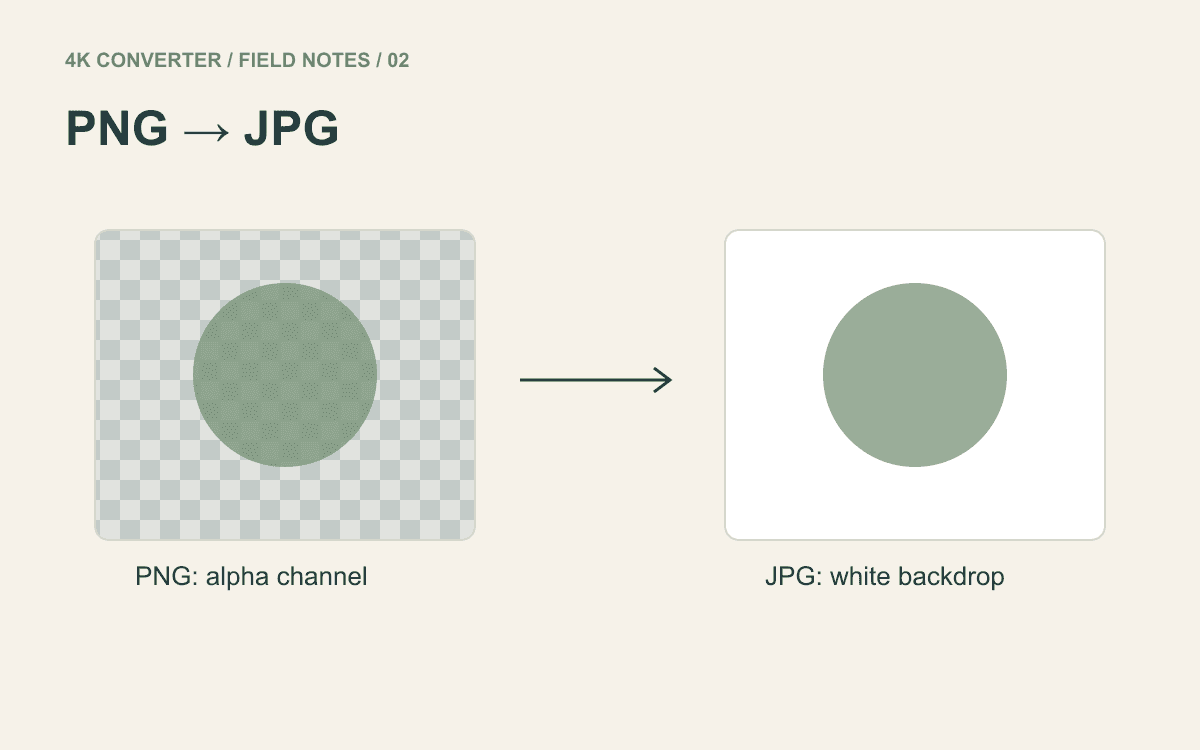
Read guideA transparent logo and a white logo background are different things. Here is what JPEG keeps, what it drops, and when to keep your PNG.
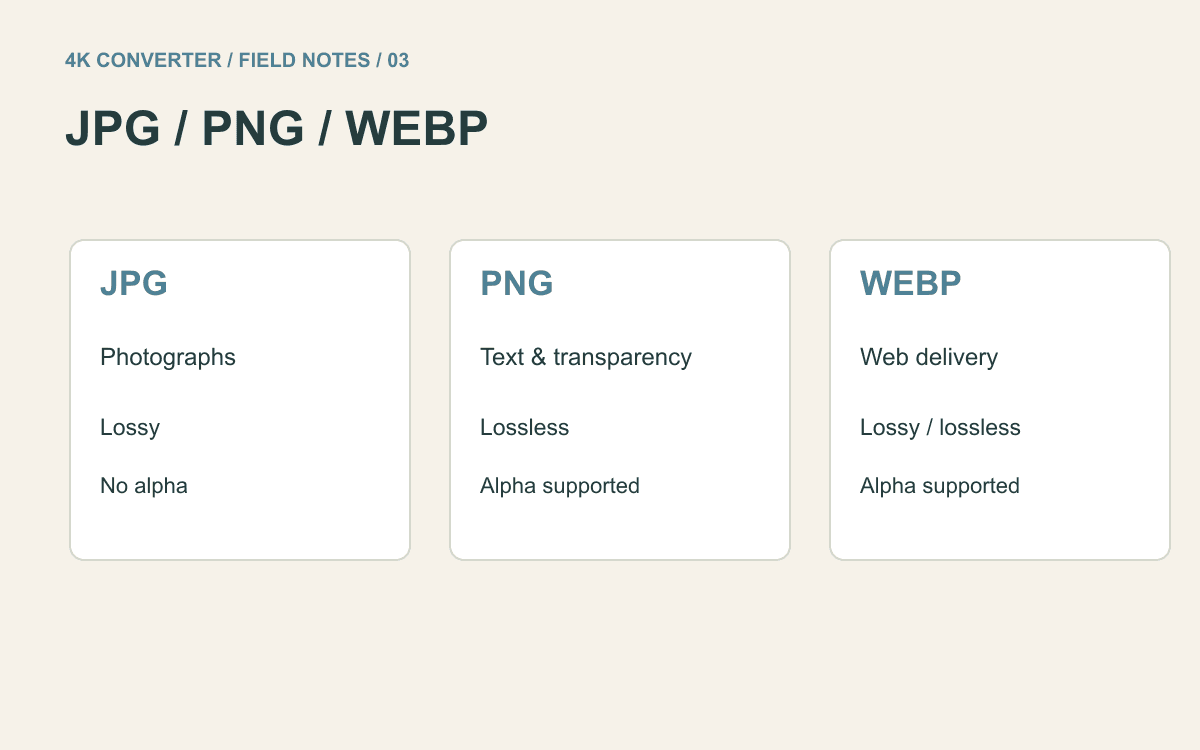
Read guideChoose a format for a photo, a text-heavy screenshot, or a transparent logo, then compare real exports without misleading size claims.
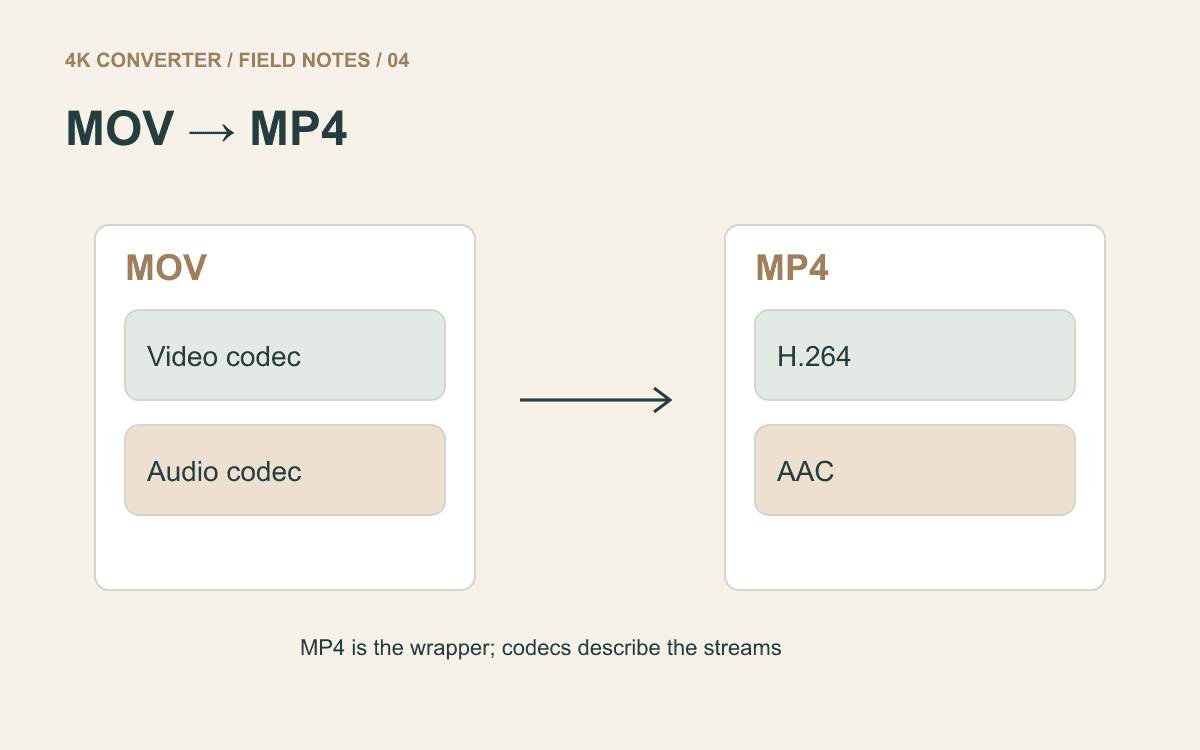
Read guideCheck the container and codecs, export an MP4 delivery copy, and test sound, orientation, and playback on the receiving device.
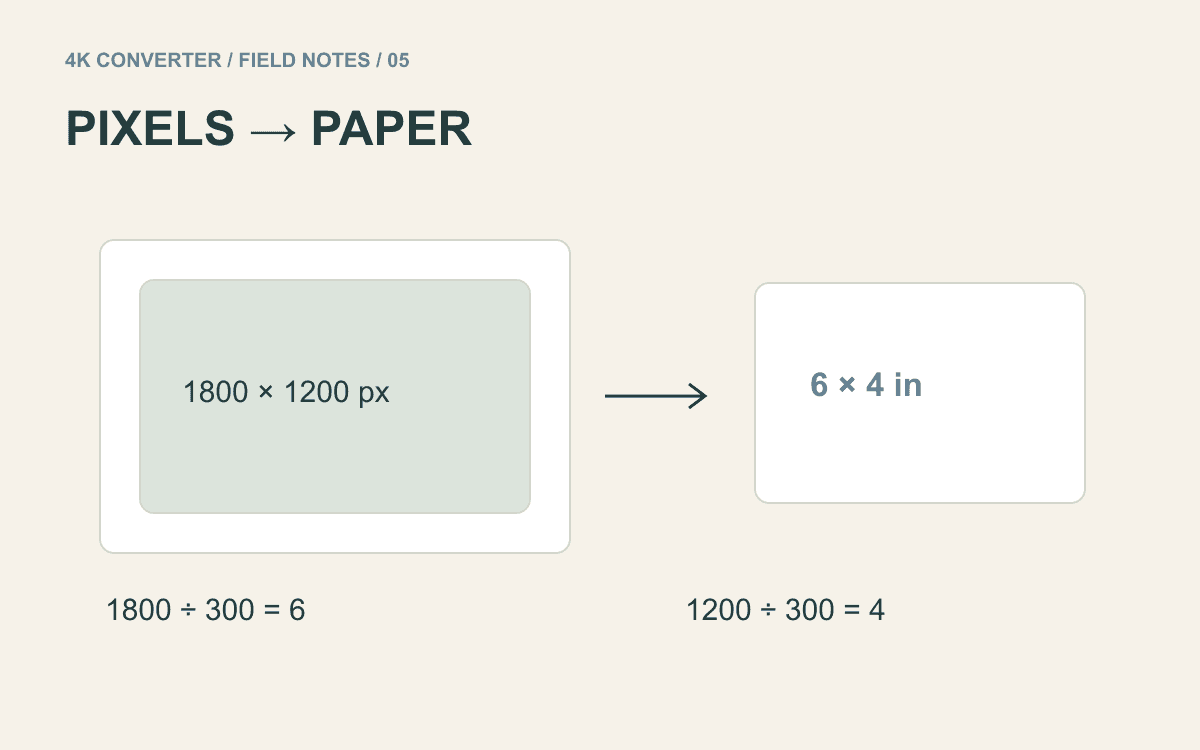
Read guideWork backward from the paper size, understand PPI, and proof an enlarged photo before committing to the final print.
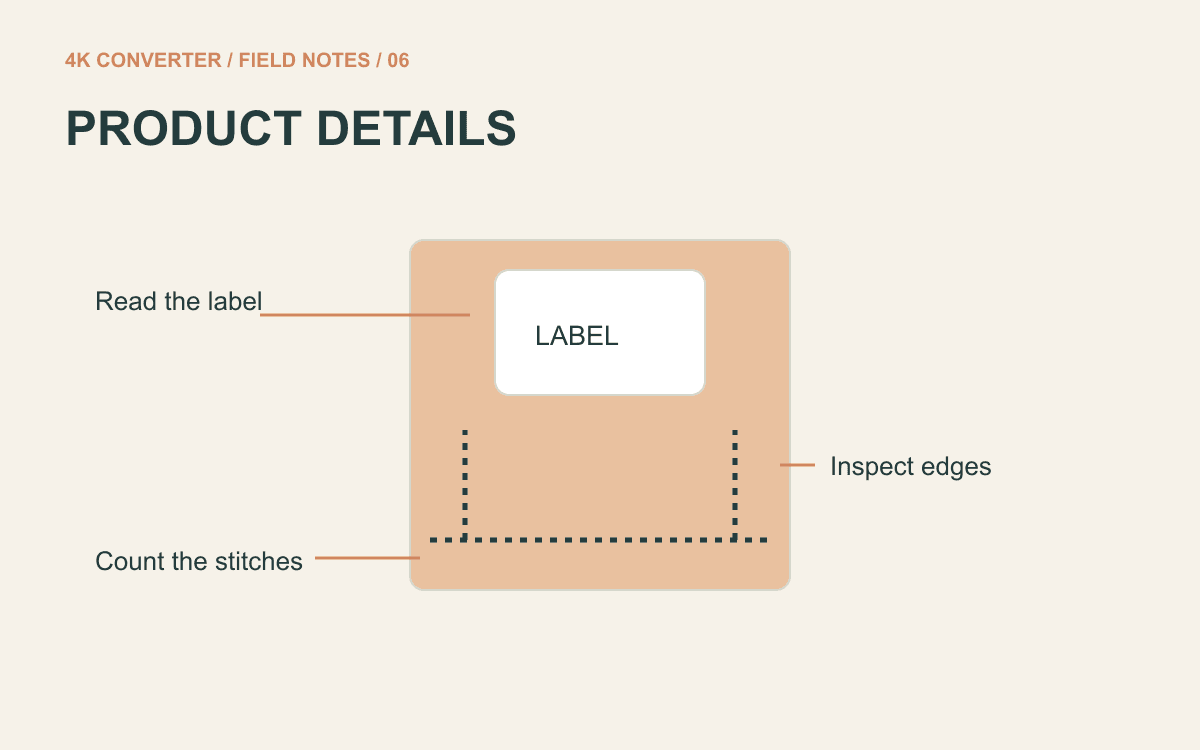
Read guideReview labels, seams, hardware, and material before approving an enlarged product image. A sharper picture still has to describe the real item.
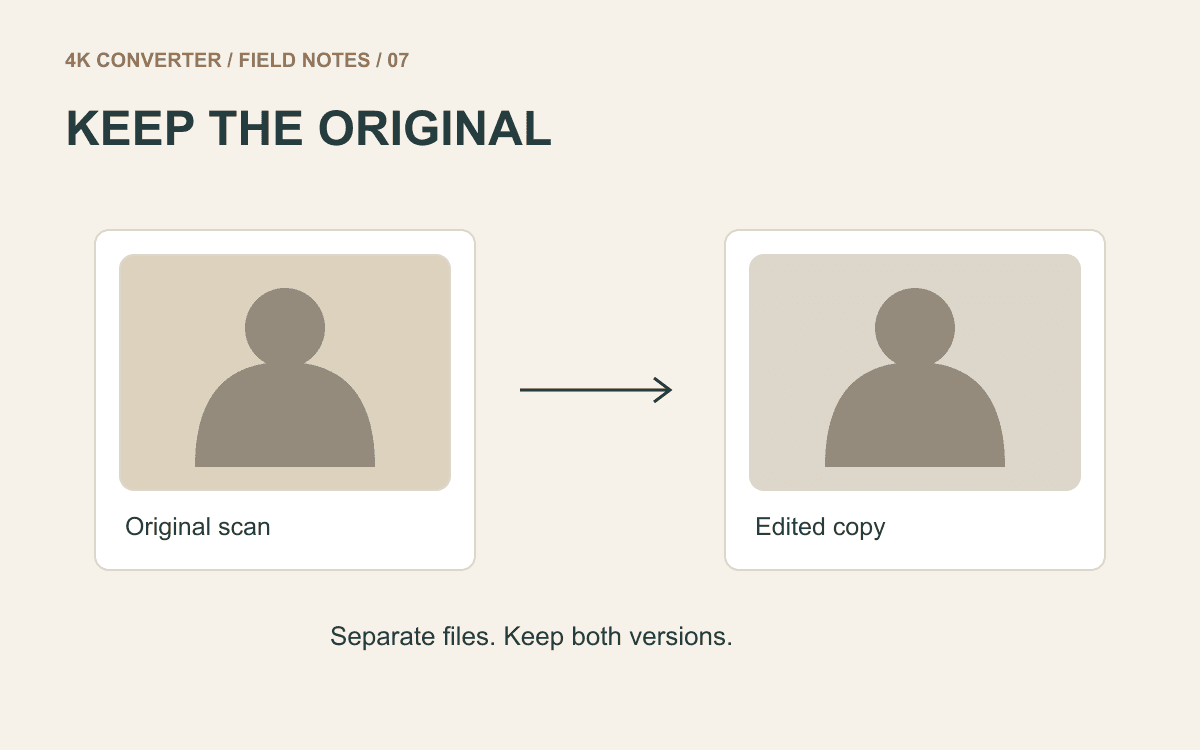
Read guideStart with a clean scan, preserve the original file, and compare faces carefully before sharing an enlarged family photograph.
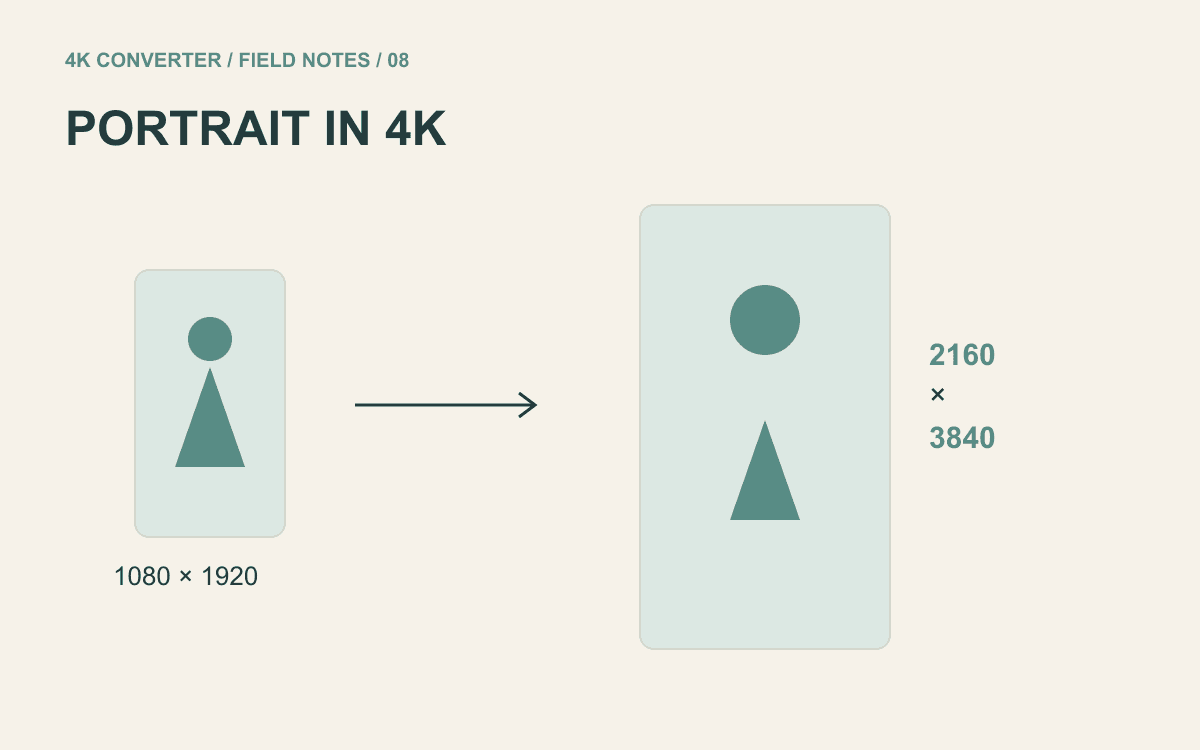
Read guideUnderstand 2160 × 3840 portrait output, prepare a short clip, and inspect movement rather than judging one attractive still.
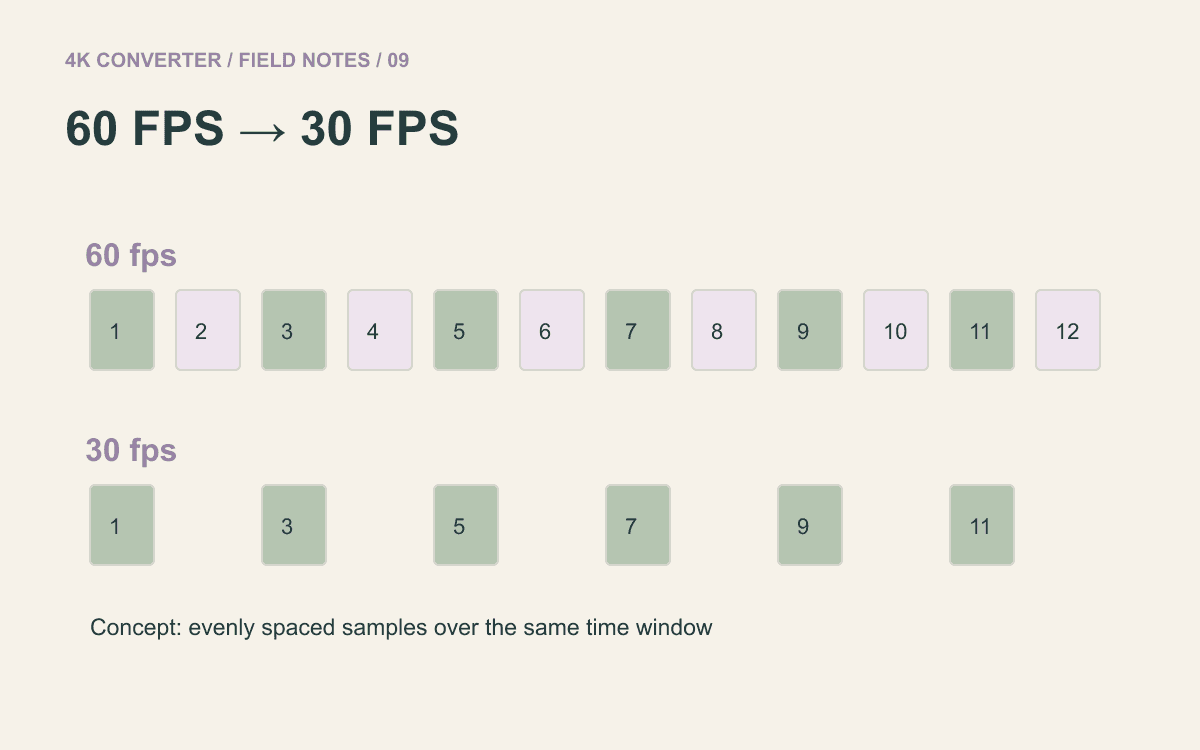
Read guideMake a normal-speed 30 fps delivery copy, check the real source frame rate, and review motion and sound before sending it.
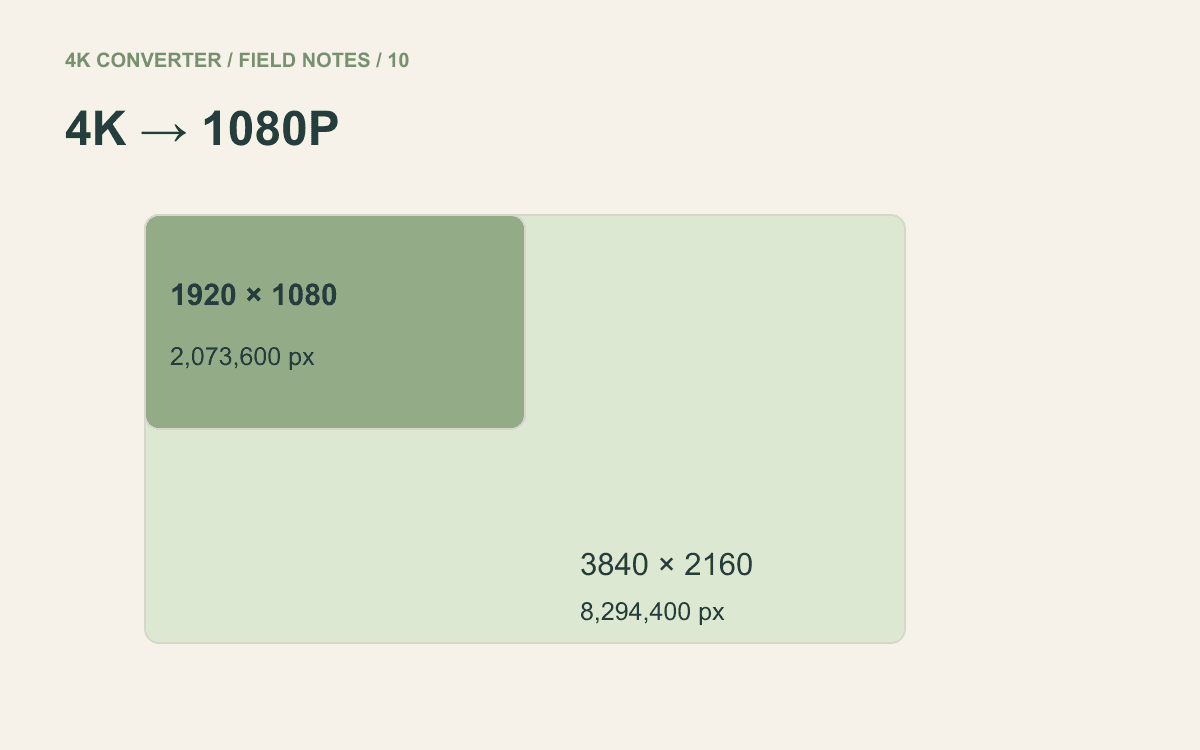
Read guideReduce frame dimensions deliberately, check text and detail, and avoid promising a file one-quarter the size just because the pixel count is.
Read guideA simple guide to choosing a photo, converting it to 4K, and checking the larger result before download.
Read guideLearn how to choose, convert, and review a picture before using it on a large screen, print, or web page.
Read guideLearn what the search phrase enhance photo 4K means, which photos work well, and how to review a larger result.
Read guideFollow a clear process to choose a source, upscale it to 4K, and check the finished image at the right size.
Read guideA plain-language guide to making an image 4K, choosing a good source, and checking the result before use.
Read guideLearn how an image upscaler 4K workflow works, which sources are useful, and how to check the larger result.
Read guideUnderstand what a 4K upscale does, how to choose a source, and what to inspect before using the larger image.
Read guideUnderstand what HD for photo means, choose a useful source, and create a larger copy without complex controls.
Read guideLearn what the phrase upscaler video means, how to choose a short source clip, and what to check after enhancement.
Read guideLearn what it means to convert an image to an HD image, choose a clean source, and check the larger result.
Read guideA simple guide to choosing a source image, using a 4K image upscaler, and checking the finished result.
Read guideChoose the right 4K converter for a photo or video, follow a simple workflow, and avoid confusing resolution with file format.
Read guideLearn what a 4K video converter changes, how to prepare a source clip, and how to check a 4K result without technical jargon.
Read guideA beginner-friendly way to choose an HD target, improve a video, and understand when format conversion is the better tool.
Read guideTurn a small image into a larger HD result with a clear source, a simple enhancement workflow, and a careful final check.
Read guideMake a picture 4K-ready by choosing the right source, preserving its shape, and checking how it looks on a large display.
Read guideA plain-language guide to making portraits, old photos, product shots, and everyday pictures larger and clearer.
Read guideA direct, beginner-friendly guide for anyone searching convert image HD and wanting a larger, clearer picture.
Read guideUnderstand what a resolution image converter changes, choose a sensible output size, and know when format conversion is enough.
Read guideConvert portraits, pet photos, food shots, and landscapes to HD with a simple workflow and a careful review.
Read guide