4K Converter
4K Picture Converter: Prepare Pictures for Bigger Displays
Learn how to choose, convert, and review a picture before using it on a large screen, print, or web page.
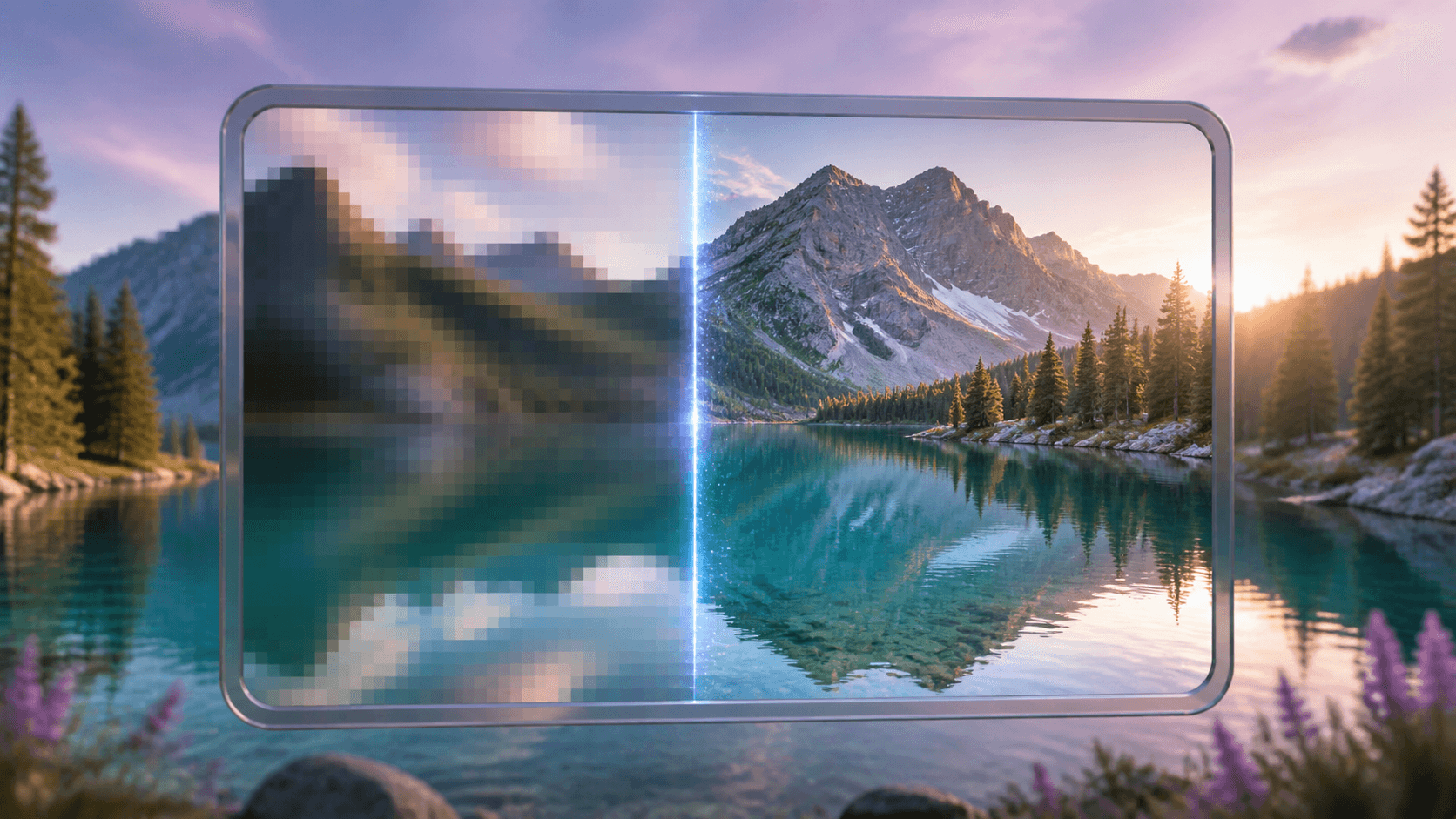
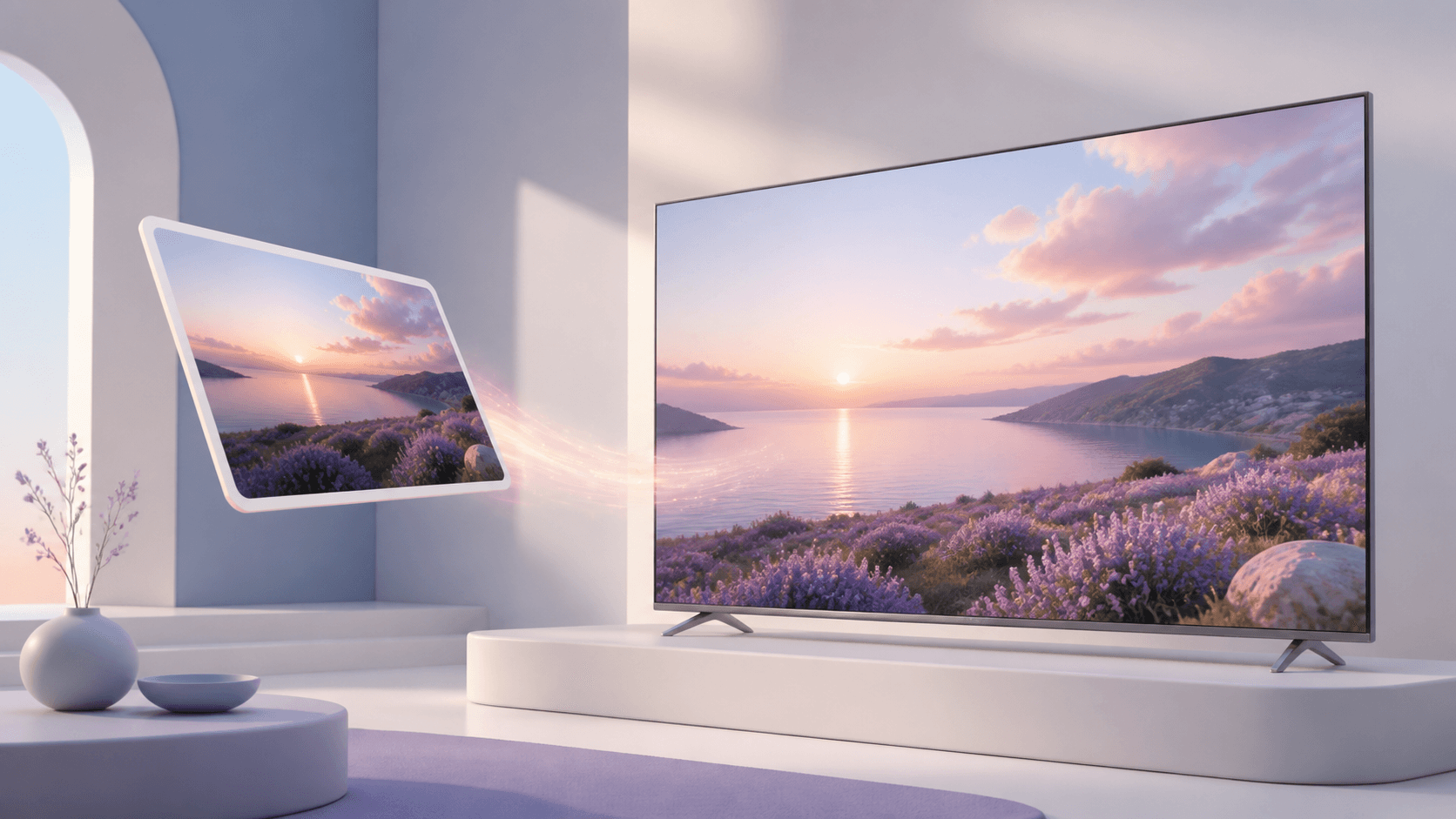
A favorite picture may look clear in a small message window but appear soft in a presentation or on a large monitor. A 4K picture converter creates a bigger copy while keeping the original width-to-height relationship. It is a practical option when the composition is already right and you mainly need more resolution.
You can convert a picture to 4K online, review the planned dimensions and quote, and compare the result with the source before downloading.
The quick answer
Choose a 4K picture converter when a picture needs to fill more screen space without being stretched by hand. Use the cleanest original, keep the original shape, and check one result before processing a complete folder. The tool can make useful detail easier to see, but it cannot guarantee the recovery of information that never existed in the source.
Good uses for a larger picture
A 4K picture converter can help prepare images for large monitors, digital signs, slides, portfolio pages, blog headers, online stores, and personal photo displays. It can also create a larger working copy for a design layout when the original image is a little smaller than the space it must fill.
The tool does not change the subject or redesign the scene. It preserves a vertical, square, or wide composition. That makes it useful after you have already chosen the crop. If the crop is wrong, fix it before enlargement, because adding pixels will not move a person back into the frame.
For printing, remember that print quality also depends on paper size and viewing distance. A 4K result offers more pixels, but a very large close-viewed poster may still need careful inspection. For a web page, more pixels can help a wide hero image, although you should also consider download size and avoid serving a huge file where a small thumbnail is enough.
Check the source picture
A 4K picture converter works best with a source that still contains visible edges and texture. Find the original camera file or the largest exported copy. Avoid a screenshot of a thumbnail when a real image file is available.
Zoom in and look for blur, compression blocks, halos, and unreadable words. Light noise is often easier to accept than strong blur. If faces are important, confirm that eyes and facial edges are visible. If a label is important, make sure you can read it before conversion.
Also check the file type. JPG is common for photographs, while PNG can be useful for graphics and transparency. WebP is often used on websites. If the picture is already large enough and you only need a new type, use the image format converter, not the 4K picture converter.
How to convert a picture
- Open the online picture enhancement tool.
- Add a JPG, PNG, or WebP file from your device, or use a direct image URL.
- Choose the 4K target and confirm that the preview keeps the right shape.
- Read the planned output dimensions and exact credit cost.
- Start the private task.
- Compare the finished picture with the source and download it.
The 4K picture converter leaves the source file unchanged. Keep both copies and give the new file a clear name so you do not confuse it with the original. If you have many pictures, run a small sample before adding the rest.
Check quality before use
A browser may fit a large image into a small area, hiding problems. Zoom to the actual display size. On a portrait, examine hair, eyes, glasses, and skin edges. On a product photo, check labels, straight edges, and repeated textures. On scenery, look at tree branches, rocks, buildings, and the horizon.
A 4K picture converter may make a soft image more pleasant, but it should not be treated as proof that every new detail is accurate. Artificial-looking texture matters most around text, faces, and fine patterns. If the result does not look natural, go back to the source and look for a better copy.
Finally, view the picture in context. Place it in the slide, page, frame, or screen where it will appear. A result that looks good at its real viewing distance is more useful than one that only looks perfect at extreme magnification.
Common questions
Is a 4K picture converter only for landscape images?
No. It supports portraits, square pictures, and wide images because the original aspect ratio is preserved.
Does a 4K picture converter change JPG into PNG?
Its main job is to increase resolution. Use a format converter when the dimensions are already sufficient and only the file type must change.
Can I use a social-media download?
You can, but the original camera or design file is usually better. Social platforms often reduce dimensions and compression quality.
What should I try first?
Choose one clean picture, process it with the 4K picture converter, and inspect the exact details that viewers will care about.