 4K Converter
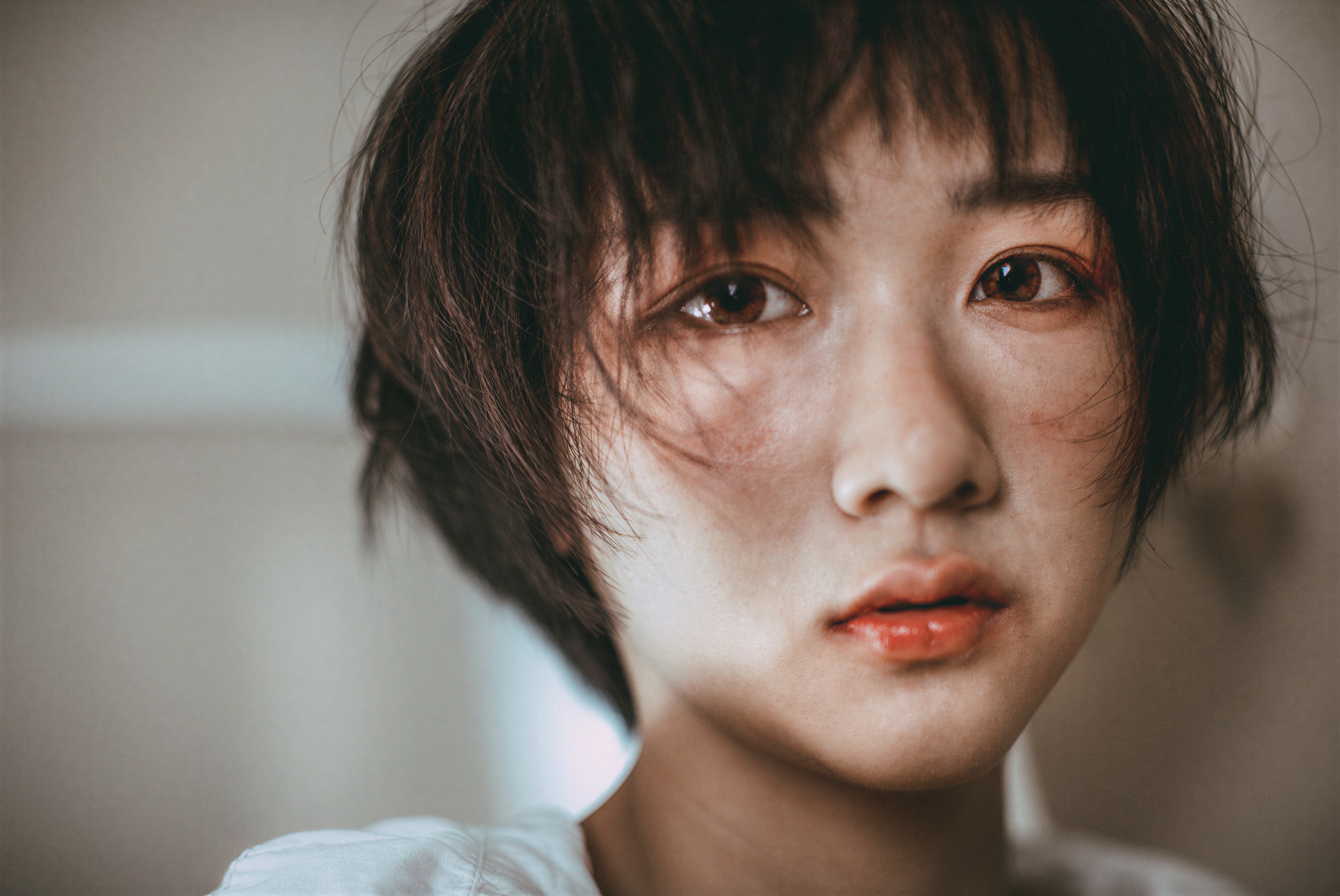
Image to 4K keeps the original shape
The Image to 4K target brings the short edge to at least 2160 pixels. The image upscaler preserves the source aspect ratio, so a 16:9 landscape becomes 3840 × 2160 while portrait and square images keep their own shape.
For Image to 4K, if the source is already large enough, we keep its original dimensions instead of shrinking it.
Run Image to 4K in three steps
Choose the source and output once. The image upscaler checks the file, shows the exact price, and starts only after the request is ready.
- 01
Choose an Image to 4K source
Give the image upscaler one local file, a public direct image link, or a local selection of up to ten images.
- 02
Check the Image to 4K price
The image upscaler checks format and dimensions, then shows the output size and exact credit price before starting.
- 03
Download the Image to 4K result
The image upscaler makes the finished result available in your account. Source and result files stay private and expire within 24 hours.
Image to 4K formats and limits
- Formats
- JPG, PNG, or WebP
- File limit
- Up to 10 images · 25 MB each
- Targets
- 720p, 1080p, 2K, or 4K short edge
- Source
- Private upload · direct links are not saved
- Result
- Private download · available for 24 hours
Image to 4K cannot restore every detail
An image upscaler can make a source look clearer, but it cannot recover every face, letter, texture, or edge that is missing from the original.
Very small, blurry, noisy, or heavily compressed images leave less real information for Image to 4K. Always inspect the finished result at normal size and close range.
Image to 4K questions
Does Image to 4K always mean 3840 × 2160?
No. The image upscaler keeps the original aspect ratio and targets at least 2160 pixels on the short edge.
Will Image to 4K change the image shape?
No. This image upscaler keeps the original proportions intact, and images already above the selected target are not reduced.
Which files can I upload?
The image upscaler supports JPG, PNG, and WebP. Each file can be up to 25 MB, and a local batch can contain up to ten images.
When are Image to 4K credits charged?
The image upscaler shows the exact price first. Credits settle only after the result is saved; failed or canceled tasks release them.
How long do you keep my images?
The image upscaler keeps Image to 4K source and result files private for 24 hours. You can delete available files earlier from task history.