4K Converter
JPG to PNG: What Changes, What Stays, and When to Convert
Make a PNG copy for an upload or editing workflow, while keeping realistic expectations about transparency, detail, and file size.
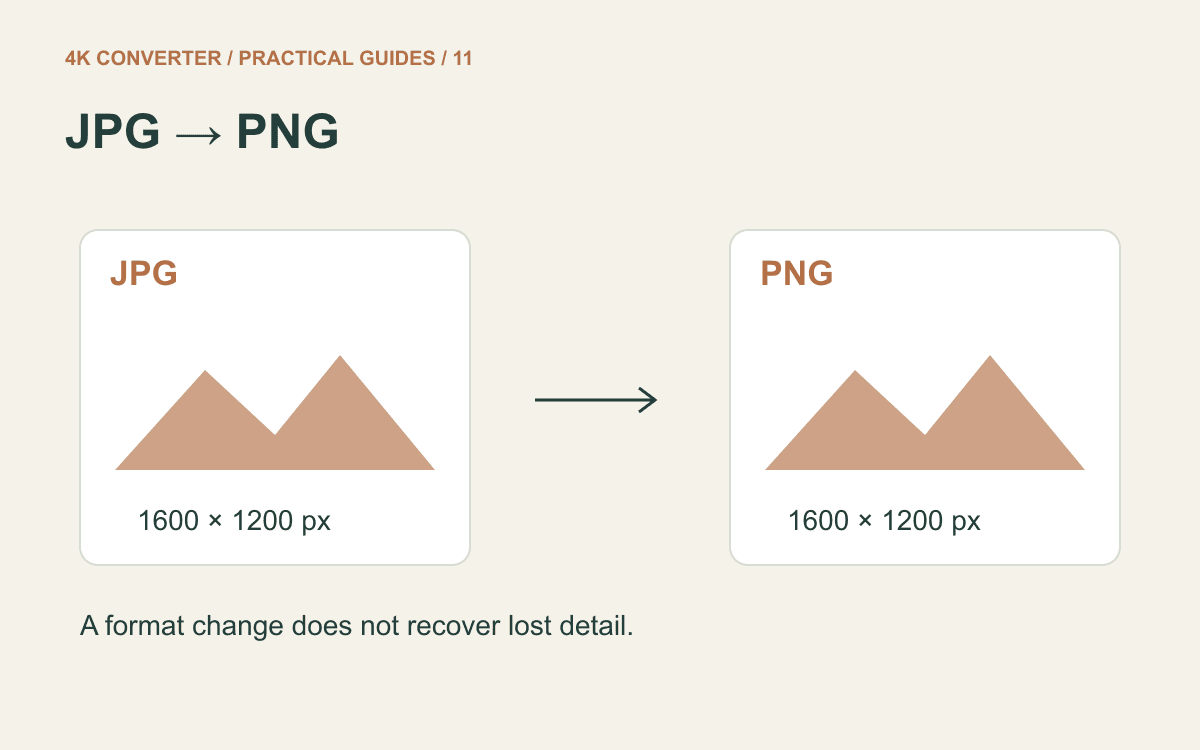
An upload form asks for PNG, but the image on your computer is a JPG. Converting it is a reasonable next step. Expect a different file format, however, rather than a new version of the photograph: the PNG specification describes lossless image storage with optional transparency, not a detail-recovery process.
The useful goal is a working PNG copy that fits the destination's requirements. Start with the original JPG and keep it alongside the result.
When a PNG copy is useful
Convert when a form specifically requires PNG, when an editor needs a PNG asset, or when you want to add labels and save the edited result without another JPEG encoding step. If your design project still exists, exporting PNG directly from that project is usually the better starting point.
For example, a diagram first exported as JPG may already have rough edges around small text. Converting that copy makes it usable in a PNG-only workflow, but exporting from the original diagram lets you avoid the earlier JPEG damage entirely.
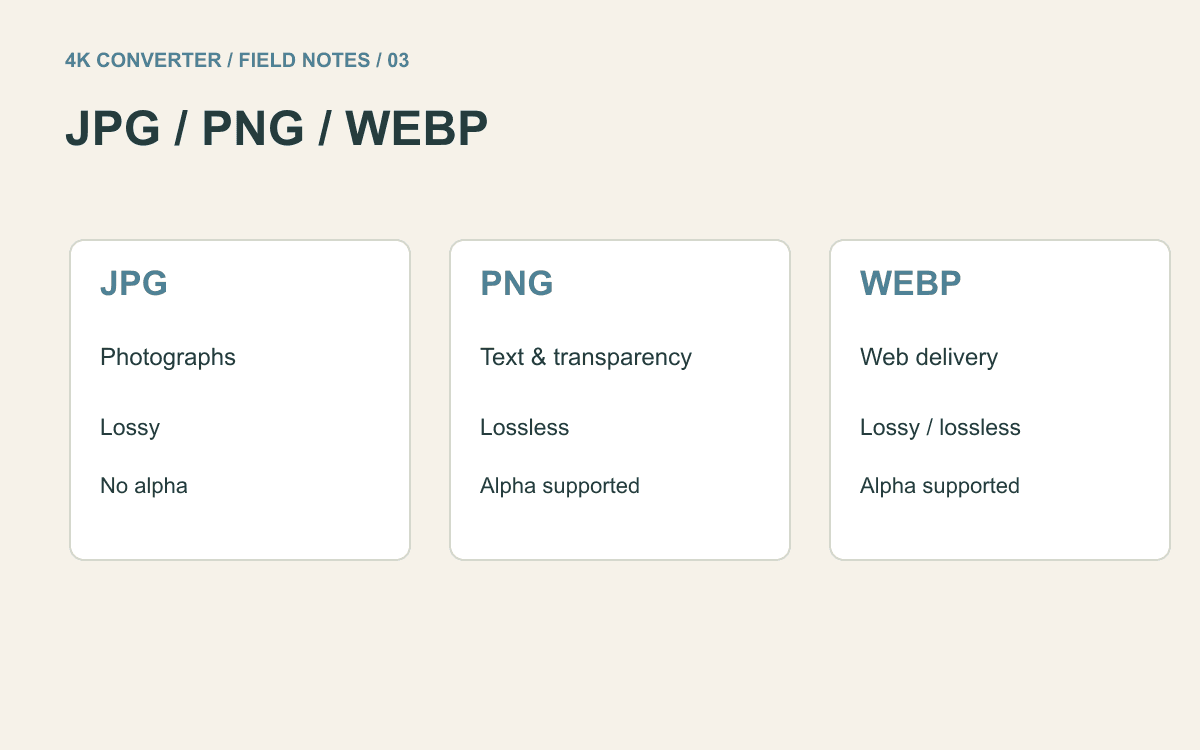
For a finished photograph accepted as JPG by its destination, conversion may have little benefit. A PNG copy can be substantially larger. Use the JPG, PNG, and WebP comparison if the destination lets you choose freely.
What lossless means for a JPG source
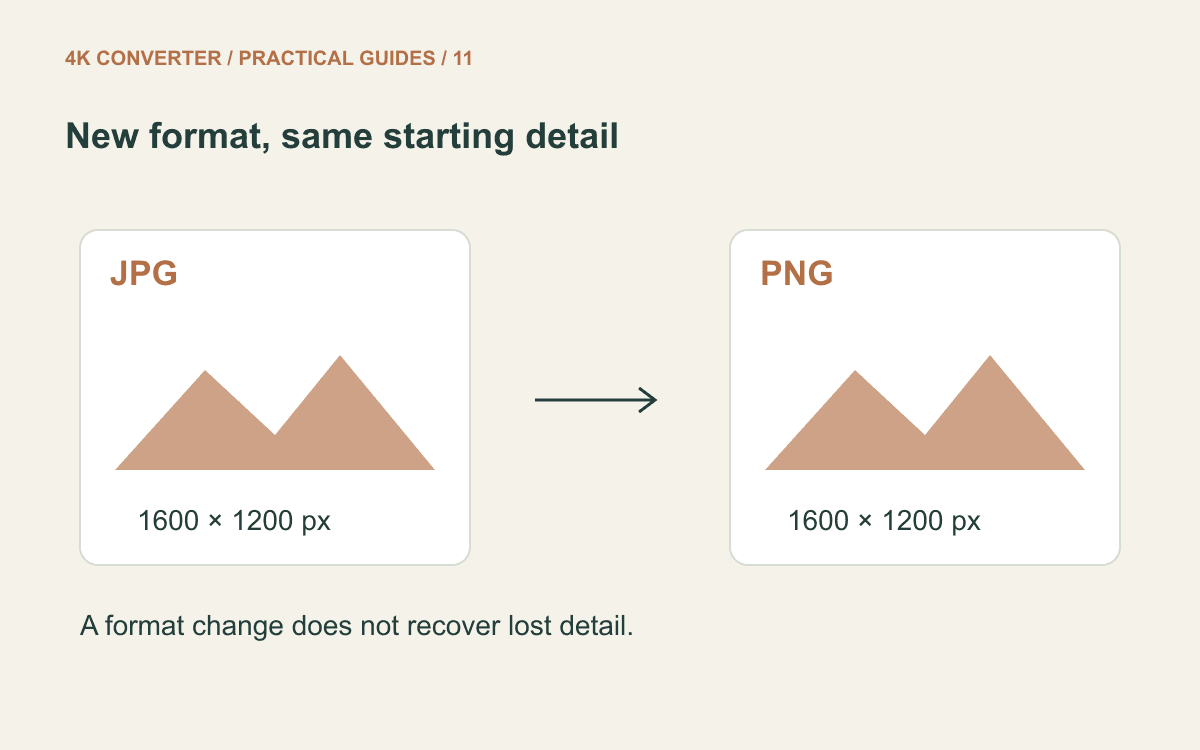
PNG can encode the decoded image without introducing JPEG-style compression loss. It cannot reverse detail that disappeared when the JPG was created. Blocks, smudges, and ringing already visible in the source can remain visible in the PNG.
The current image converter keeps the decoded image's pixel dimensions. A 1600 × 1200 image remains 1600 × 1200; selecting PNG does not turn it into a 4K image. A larger file on disk therefore does not prove that you gained detail.
How to convert JPG to PNG
- Find the original JPG or JPEG file. Avoid taking a screenshot of its preview, which adds another capture step.
- Open the JPG to PNG converter and select the file.
- Choose PNG as the output format. Check the detected dimensions and the page's displayed requirements before starting.
- Run the conversion and download the PNG result.
- Open that downloaded file, then try it in the application or upload form that requested PNG.
Use distinct filenames so you can identify the source and delivery copy later. Renaming photo.jpg to photo.png is not the same operation: it changes the name without re-encoding the file.
If a large batch is waiting, test one representative image first. Include any troublesome text, gradients, or fine lines in that test rather than selecting only the easiest photograph.
Why the background is still there
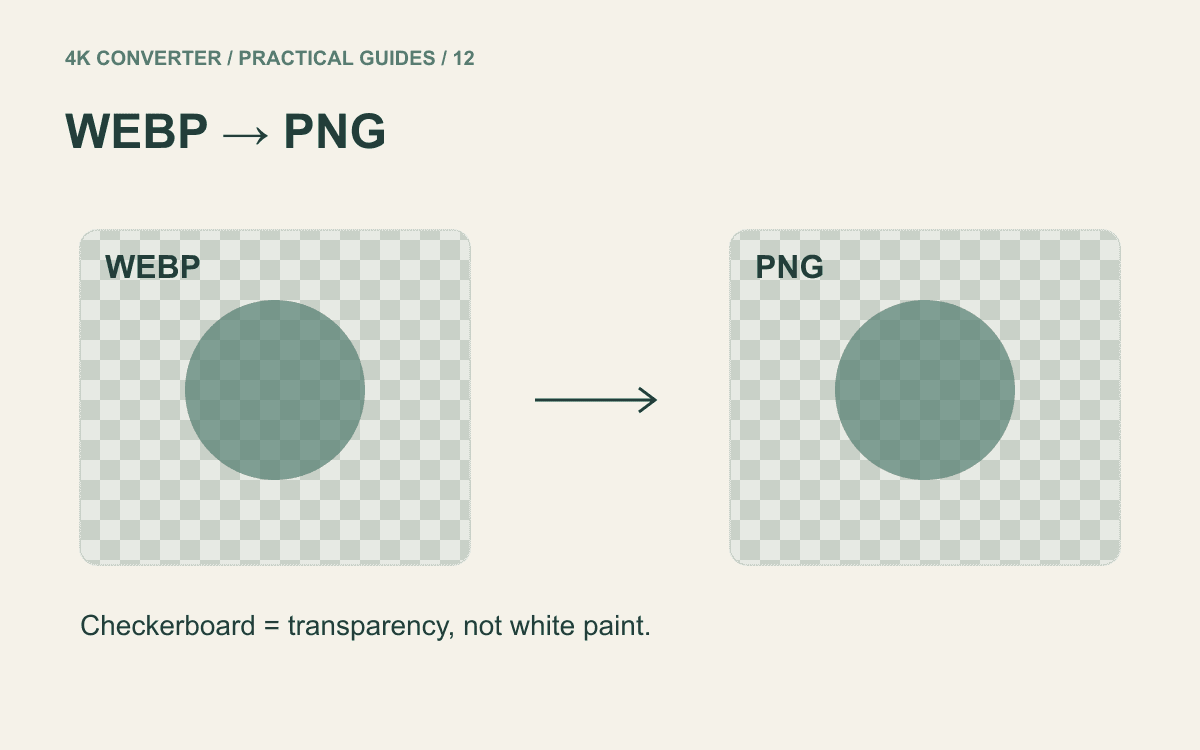
PNG supports transparency, but a JPG's white wall, colored backdrop, or solid background is ordinary image content. The converter does not decide which of those pixels should disappear.
If you need a transparent logo, look for the original transparent asset or remove the background deliberately in an image editor, then export PNG. Check soft edges and shadows over both light and dark backgrounds before delivery.
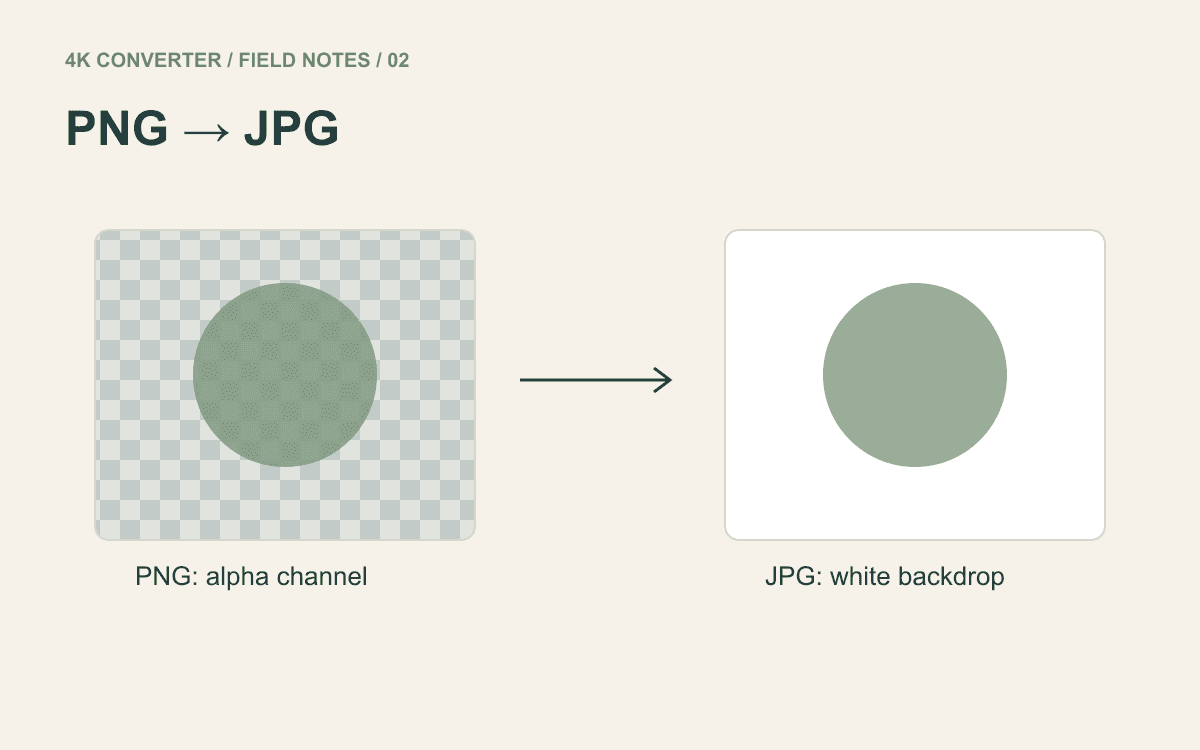
The reverse conversion has a different consequence: exporting transparency to JPG requires an opaque background. Our PNG to JPG guide explains the white background used by this site's converter.
Check the file you will actually use
Compare the two files at the same display size. Read small text, inspect color transitions, and confirm orientation. Then check the output dimensions and actual byte size against the destination's limits.
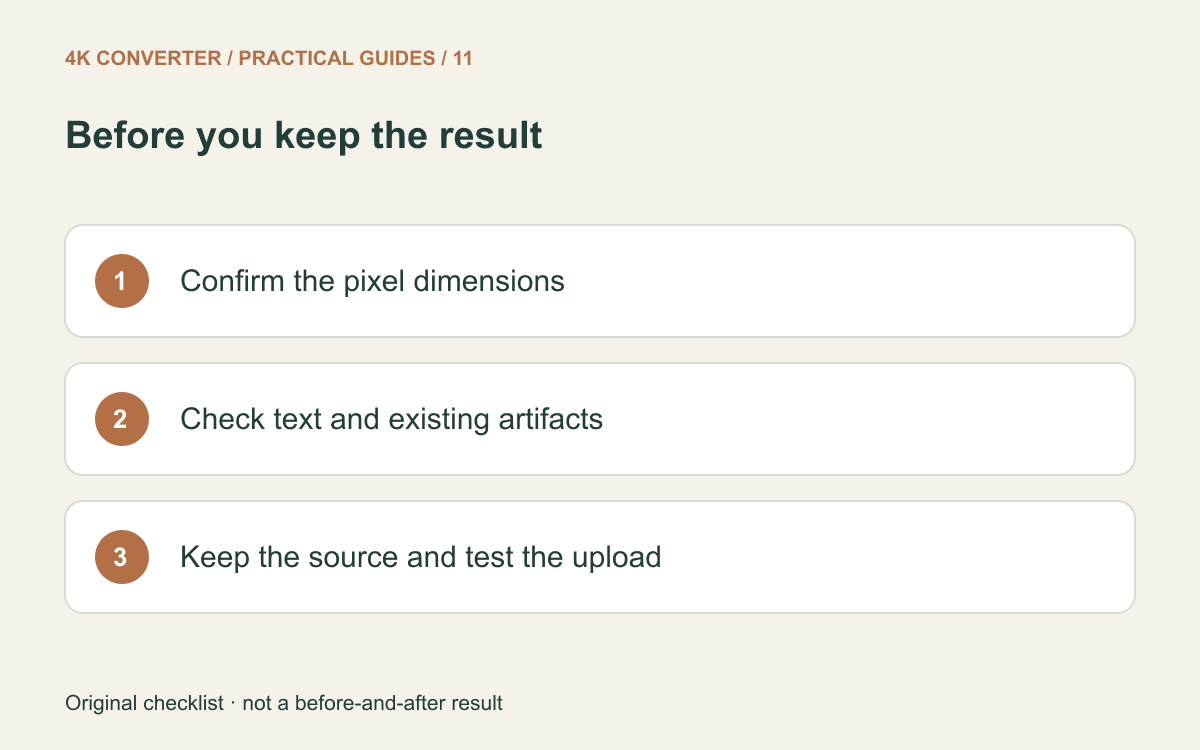
Treat this as a rendered image export, not an archival copy of every original property. Do not assume that camera metadata, color profiles, or print-resolution tags are preserved. If those properties matter to your workflow, inspect them separately and keep the source file.
If an upload still fails, read its error message. A valid PNG may still exceed the permitted file size or have the wrong dimensions. Repeating the same conversion will not resolve those separate constraints.
Common questions
Does JPG to PNG improve sharpness?
No. Format conversion alone does not repair focus or recover lost detail. For an actual enlargement, evaluate the image upscaler separately and compare its result against the source.
Why did the file become larger?
PNG and JPEG store images differently. For photographic content, the PNG may require more bytes even when its dimensions and visible subject stay the same. Check the actual result instead of assuming a fixed size ratio.
Can I convert JPEG as well as JPG?
Yes. JPG and JPEG are common extensions for the same format. Use the original file with its correct extension and choose PNG in the tool.