4K Converter
Why does my 4K video still have black bars? Should I crop first?
Find out whether the bars belong to the player or are already part of the video. That determines whether to change playback settings, crop the source, or leave it alone.
The video is now 4K, but the black bands at the top and bottom remain. Changing the format to MP4 did not remove them either. That makes sense: resolution and file format do not decide how a picture fills a playback box.
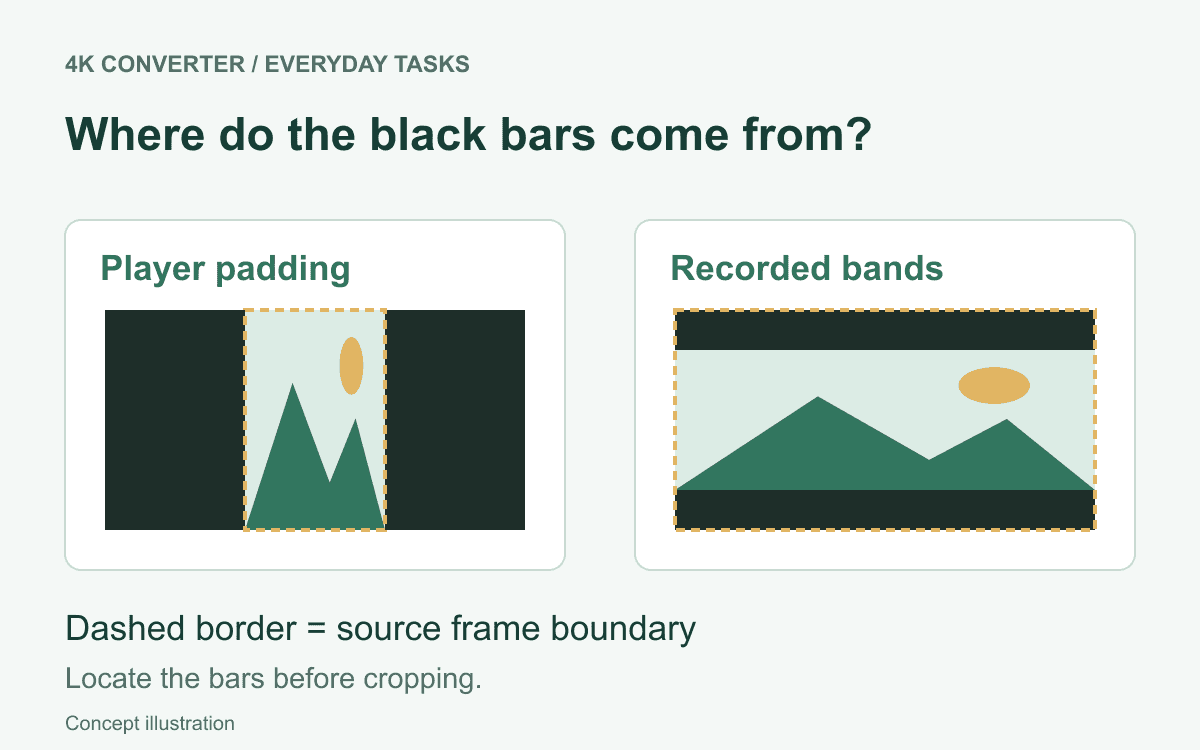
Find out where the bars come from before processing again. Some exist only in the player. Others were saved into the video and travel with its picture.
First, locate the bars
A player can add padding to show the complete picture without stretching it. Wide cinema footage in a 16:9 box, or portrait footage in a landscape window, leaves unused space. That space is not necessarily part of the file.
Bars can also be recorded into the picture during an export or screen recording. In that case they are pixels within the frame, even in a different player.
Web layouts can display the same file differently. MDN's object-fit reference distinguishes fitting the complete picture, cropping it to fill a box, and stretching it. A full playback box may simply mean the player is hiding part of the picture.
A screenshot of the player is not the source frame
Inspect the source boundaries in an editor, or export a still frame and check whether the bands are inside it. A screenshot of the entire player also captures its background, which can make player padding look like recorded content.
Inspect several moments, including the opening, captions, and ending. If words or graphics appear in a dark area at any point, that area is not just disposable blank space.
Changing the playback window's shape can offer another clue: outer padding changes with the window, while recorded bands scale with the video. Both can exist at once, so use the source frame boundaries to confirm.
Check the whole clip before cropping
If the bars are in the source and contain nothing you need throughout the clip, crop them in an editor and export a copy. Keep the uncropped original for later changes.
A crop can remove more than expected. Subtitles may sit in a lower band; a later shot may place a subject close to an edge. A crop that works on the first shot may not work on the next one.
Removing recorded bars also does not change the proportions of the underlying picture. Very wide footage remains wide. Filling a narrower 16:9 box then requires losing some content at the sides or accepting padding above and below. Stretching instead changes the shapes of people and objects.
Consider a hypothetical 1920 × 1080 source with 135-pixel black bands at both the top and bottom. Removing only those bands leaves a 1920 × 810 picture. That is wider than 16:9. When a player fits the complete cropped picture into a 16:9 box, it can add padding again. The crop may have worked perfectly even though the final view still has bars.
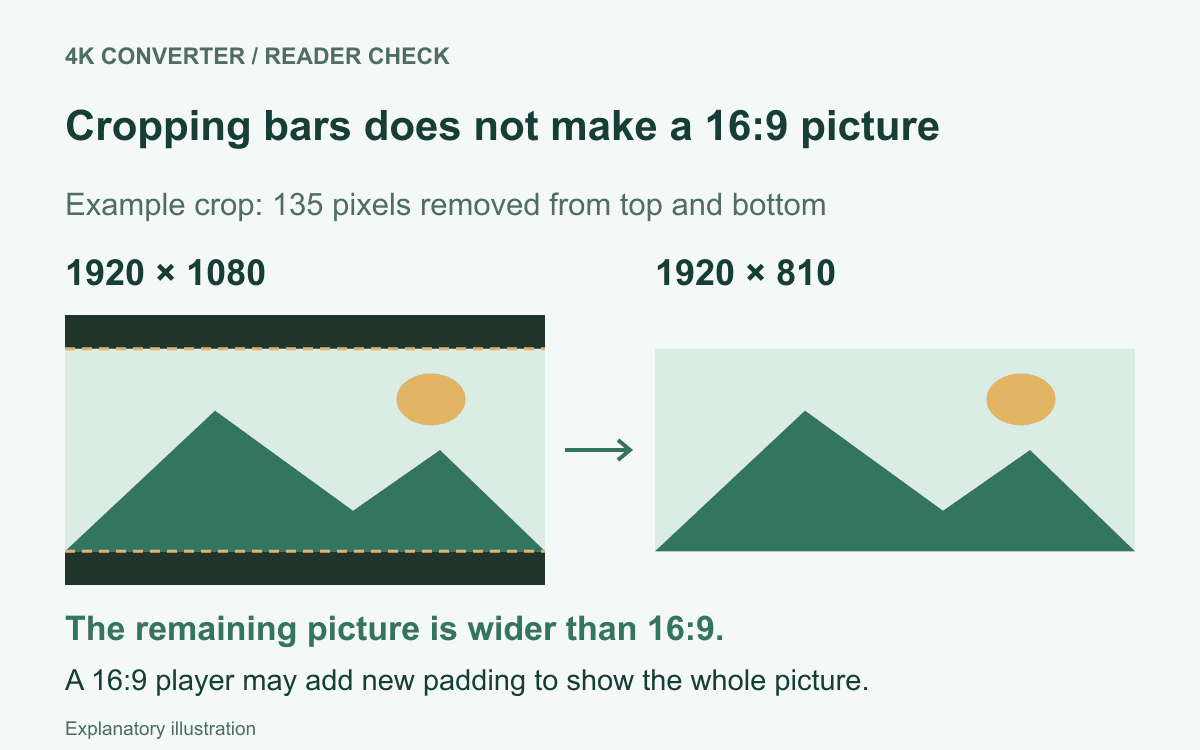
Before exporting, preview that remaining picture inside the destination's frame. If filling it cuts off a face or caption, preserve the composition and accept the padding, or choose a different layout. Raising resolution cannot make those competing framing choices disappear.
The upscaler processes the whole frame you provide
Our Video to 4K tool keeps the source aspect ratio and has no automatic black-bar cropping option. Video Converter also has no cropping control. Remove recorded bands in an editor first when that is the intended result.
For example, if a 1920 × 1080 frame contains black bands, doubling both dimensions also enlarges those bands. A 4K output does not automatically replace that space with more visible content.
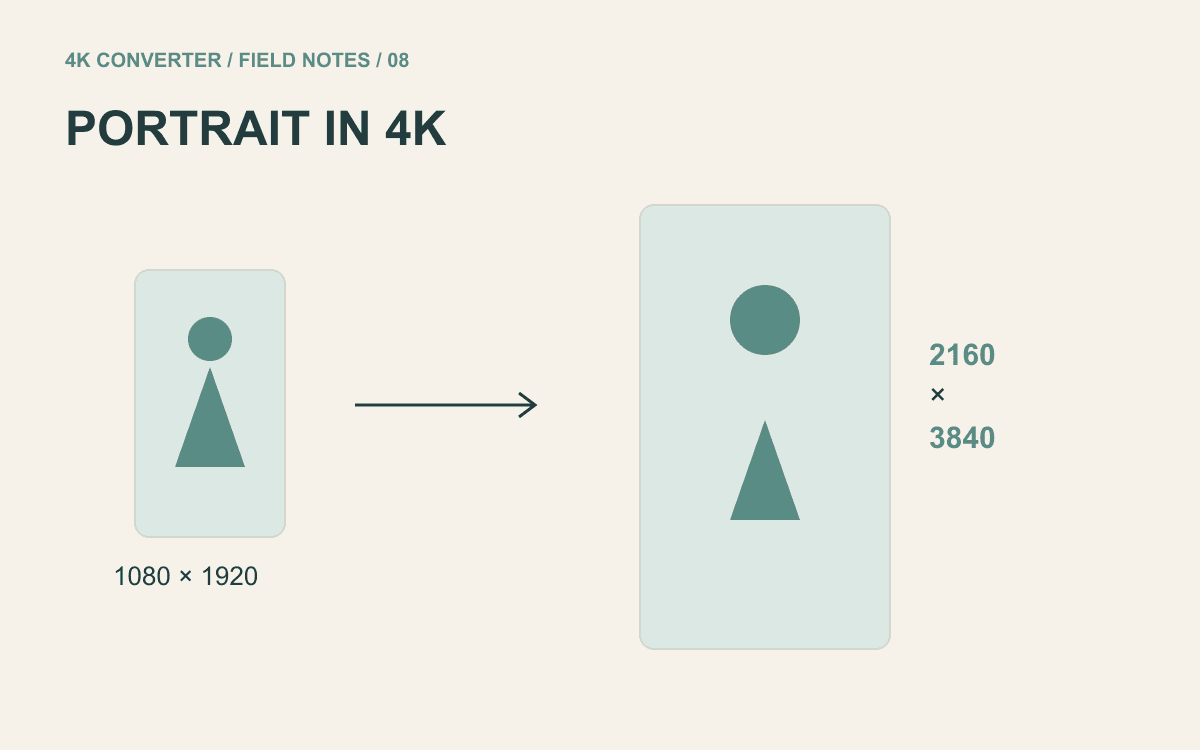
Submit the prepared clip within the tool's limits. Current video enhancement accepts MP4, MOV, and WebM up to ten seconds and 200 MB. For portrait dimensions, see upscaling vertical video.
The final playback box still matters
Place the result in the actual webpage, slide, or device. Check that people are not stretched, important edge content is still visible, and captions are not cut off. Disappearing bars alone are not enough to approve the result.
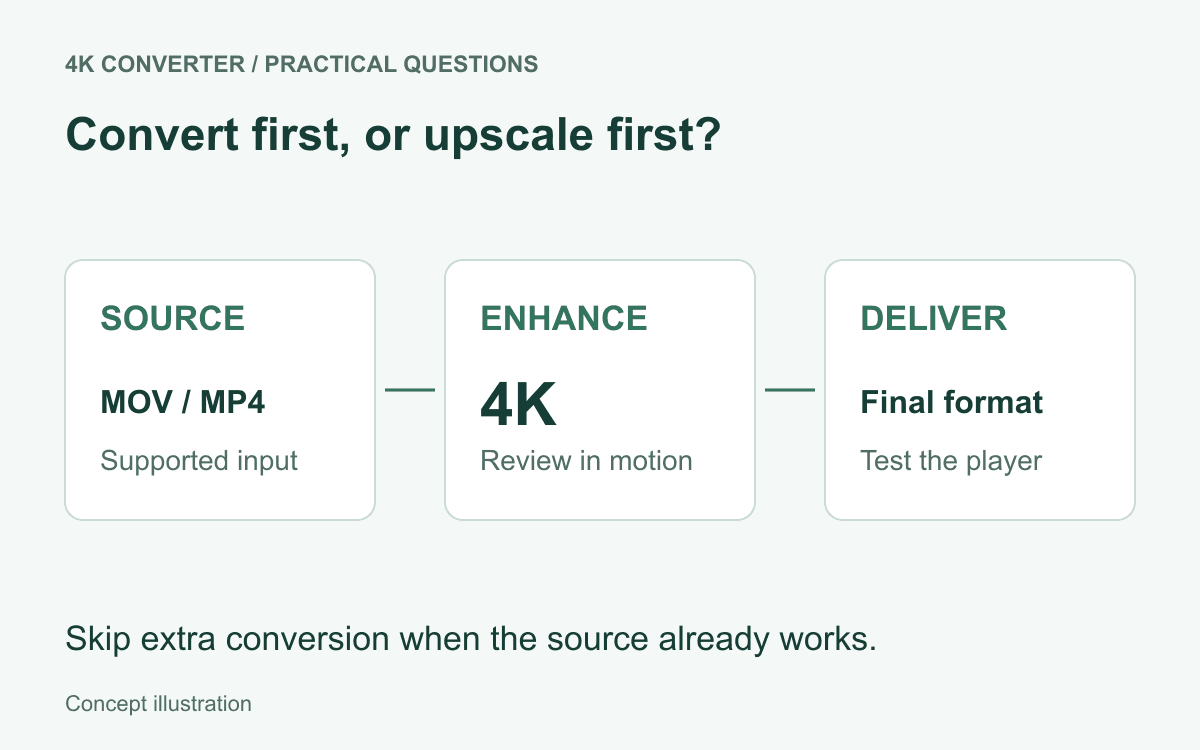
When the bars come only from the player, changing the layout may be all you need. Keeping padding is also reasonable when the original composition matters. Add cropping or conversion only when the file itself needs a change; the guide to conversion and upscaling order helps place those steps.