4K Converter
Should I convert a video before or after upscaling it?
If the original can go straight into the upscaler, skip the extra conversion. Make a compatible copy only when needed, then decide on the final delivery format.
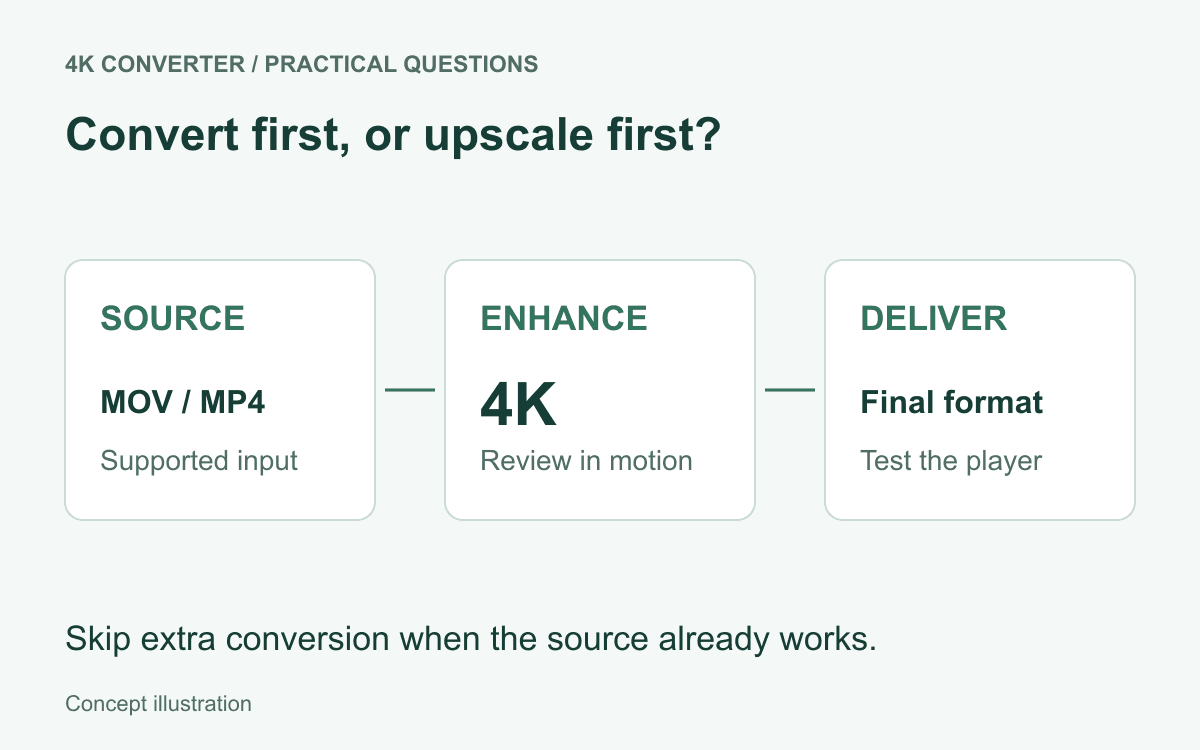
You want to enlarge a video and change its format. Should you turn it into MP4 first, upscale it to 4K, then convert it again for delivery?
That extra first conversion is not always useful. If the enhancement tool can read the original, start there. Add a format conversion when the input or the delivery requirement actually calls for one.
Write down the delivery requirements first
Check the destination, file format, dimensions, frame rate, and subtitle requirements. “A playable MP4” does not automatically require 4K. A 4K presentation screen also does not guarantee that missing detail in your source can be recovered.
Our Video Converter changes formats; its public interface keeps source dimensions and frame rate. Video to 4K is the enhancement path. You do not need to use both just to complete a workflow.
If the recipient simply cannot open a file, start with the MP4 playback checklist. When the picture already meets the requirement, leaving it out of an enhancement step also makes your versions easier to manage.
Use the original when its format is supported
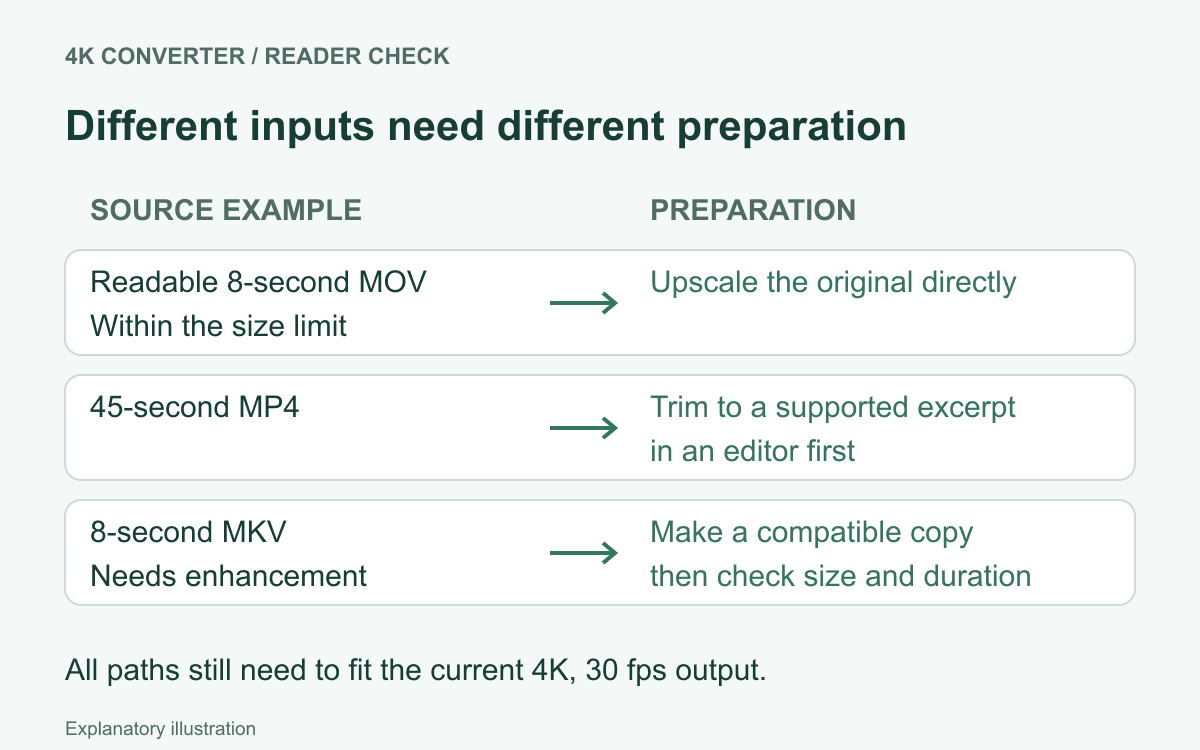
This site's current video enhancement accepts MP4, MOV, and WebM clips, with limits of 10 seconds and 200 MB per clip. The public output setting is 4K at 30 fps. Files still have to pass inspection; a supported extension does not guarantee that every encoding can be read.
If you have the original MOV, do not convert it just because MP4 is more familiar. Try a supported source clip directly, then inspect moving detail in the downloaded result.
For a longer video, select and export a short section in an editor first. Converting a one-minute video to MP4 does not make it meet a ten-second limit. If delivery must remain at 60 fps, also check the requirement before proceeding: the current public enhancement flow outputs 30 fps.
Make a compatible copy only when needed
Suppose your source is MKV and you want to enhance a short section. Prepare the section in an editor. If its format is still unsupported by the upscaler, use Video Converter to make a readable MP4 copy, then check its duration and size.
Keep the original and name the intermediate copy clearly. Avoid shrinking or heavily compressing the picture first and expecting enhancement to recover everything removed.
If the editor already exports your selected section as a supported MP4, that export is the compatible copy. You do not need another conversion simply because the full-length original was MKV. Open the exported excerpt, confirm its start and end points, and check the actual file size before uploading it.
This site's converter re-encodes video; it does not just replace the container. FFmpeg's documentation distinguishes transcoding from stream copying. Adding conversions only where necessary reduces intermediate files and makes it easier to find the step responsible for a problem.
Review the enhancement before final delivery
Check whether the enhancement is useful: are thin lines stable, do people look natural, is there flicker in motion, and are duration and sound correct? One attractive paused frame is not enough to approve the whole clip.
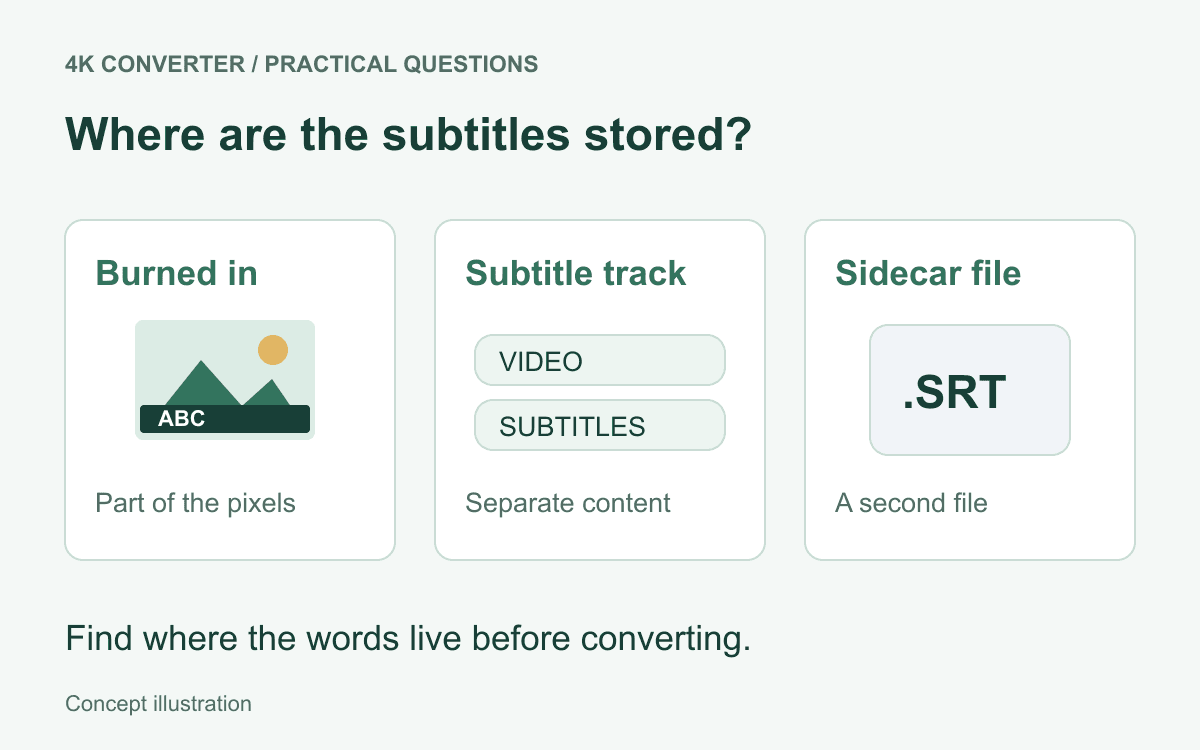
If the result already meets the requested format, use it. If the recipient needs another format, create that version from the enhanced result and check it again. Handle final subtitles in an editor when needed; this site's converter does not preserve selectable subtitle tracks. The subtitle delivery guide explains the options.
Keep distinct names for the source, enhanced result, and delivery copy. A later change is much easier when you know which file belongs to each step.
Keep each check attached to its version. If the enhanced MP4 looks correct but a later WebM has a playback problem, compare those two files in the destination first. Return to the approved enhanced file when making another delivery version; running enhancement again would change an earlier step that had already passed review.
An eight-second product clip, step by step
Imagine an eight-second MOV within the size limit, readable by the upscaler, for a 4K, 30 fps product presentation:
- Save the original MOV and upload it directly to video enhancement.
- Download and play the entire result, checking labels, edges, and texture as the product turns.
- Verify the output properties. If the presentation system accepts the result, stop there.
- If the recipient specifically needs WebM, make a WebM delivery copy and test it in that system.
In this example, converting to MP4 before enhancement does not solve an additional problem. A workflow tied to the actual requirements leaves fewer files to confuse—and a clear reason for every version you keep.