4K Converter
Download stopped working: did the link expire, or did the file?
Go back to conversion history first. An expired temporary address may be replaceable; a result past its retention deadline needs a different next step.
Yesterday's conversion completed, but the download address you bookmarked no longer works. Before uploading everything again, check whether the address expired or the result itself passed its retention deadline.
Sign in with the account used for the task and open conversion history. Its current status is more useful than repeatedly refreshing an old download URL.
Start in conversion history, not the old address
If the record still shows an available result and a download button, use that button. The site checks access and file availability again before providing the download.
If you cannot find the task, confirm the account, then look by time and file details. A processing task may not have a result yet; that is different from an expired result. A failed task may never have produced a complete output.
For an unavailable result, check the deadline and whether its media was previously deleted. A task record can remain after the file is no longer available.
The link and the file have different deadlines
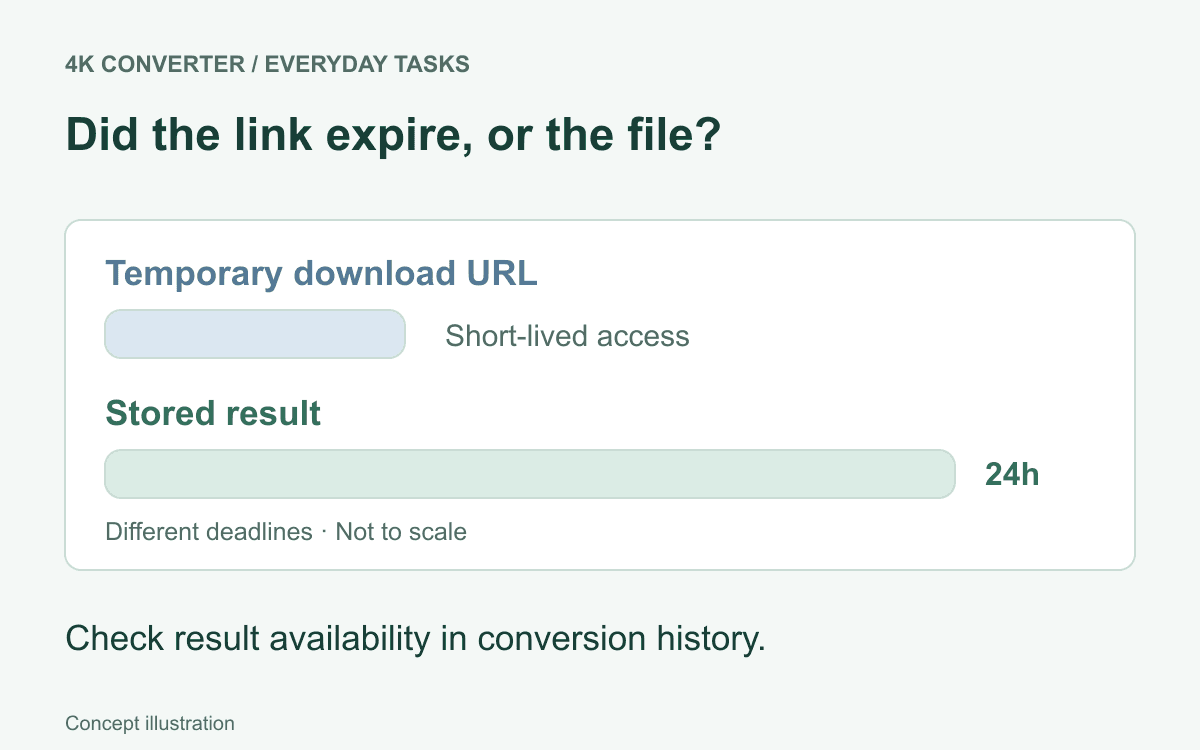
Stored conversion results on this site have a 24-hour retention period; use the specific deadline displayed on the page. A temporary file address obtained during download can expire much sooner. It is a short-lived way to retrieve a file, not a permanent sharing link.
AWS's presigned URL documentation explains this kind of time-limited access. The validity of the address affects access independently, so a failed old URL does not by itself prove that the file was deleted.
While the result remains available, return to conversion history and click download again. Avoid bookmarking the final temporary storage address or handing it to someone as a lasting delivery link.
For example, suppose history says the file is available until tomorrow at 10:00, but an address copied a few minutes ago fails now. Use the current download button; the old address does not determine the file's remaining lifetime. After the displayed deadline, another click cannot extend retention. Check your saved downloads before paying for or starting another conversion.
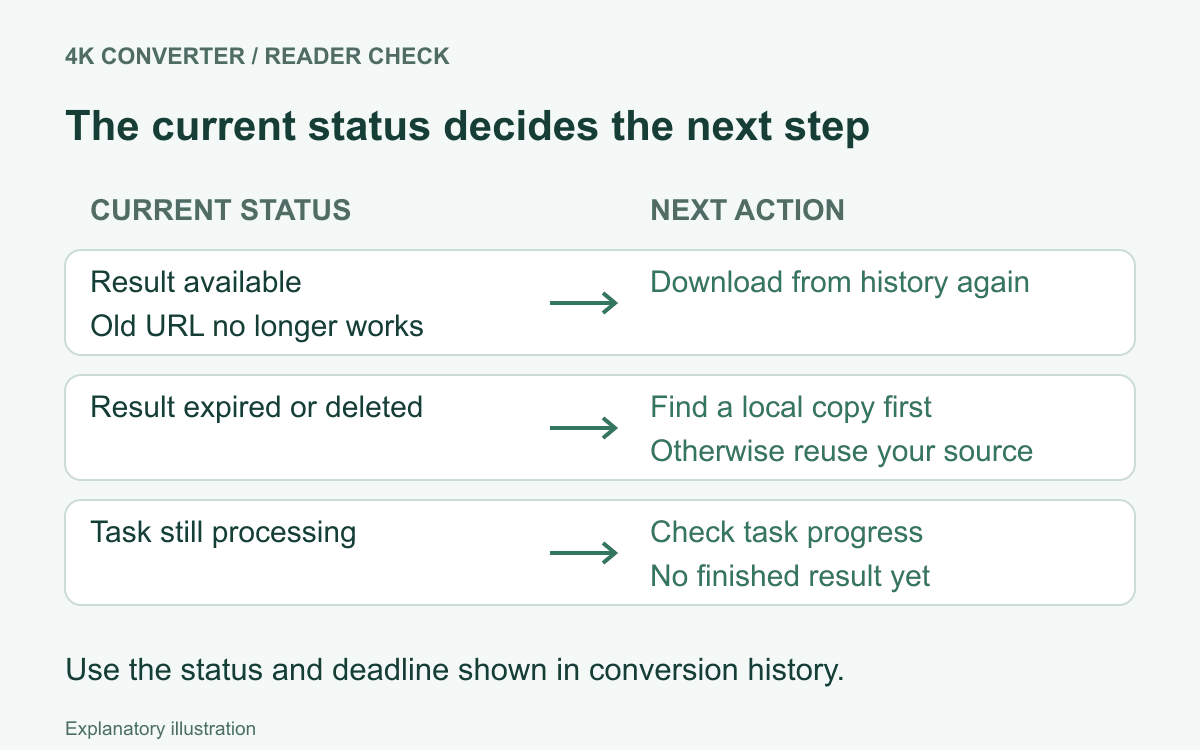
If a fresh download also fails while history still shows an available result, keep the error message and task details for support. Repeatedly creating replacement tasks does not help identify an access or delivery fault, and may leave you with several copies to sort out later.
An expired result requires the source file
The site currently has no recovery option for an expired or deleted result file. Refreshing, changing browsers, or signing in again cannot bring that file back.
To make another copy, submit the source you kept. For a previous video conversion, select the required output format again. Settings listed in the task record are not a saved copy of the source video.
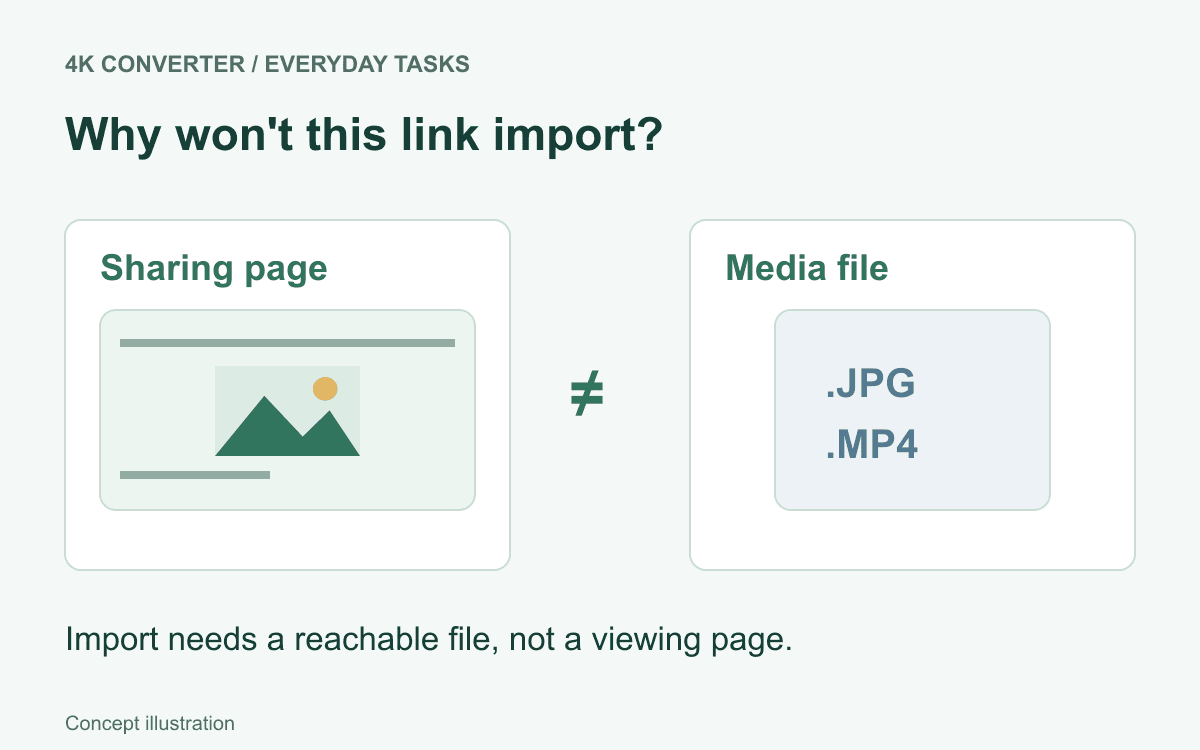
If the input came from a remote address, that source may also have changed. Confirm that you can obtain it again before starting another task. The media-link import checklist can help if access fails.
Look for a local copy if you downloaded it earlier
Check your browser's download list and the device's downloads folder. Confirm that saving actually finished. A partial download or a preview inside the task page is not the complete output.
Expiry on this site does not automatically invalidate a copy already saved in full to your device. Open that copy: check image content and dimensions, or video duration, picture, and sound.
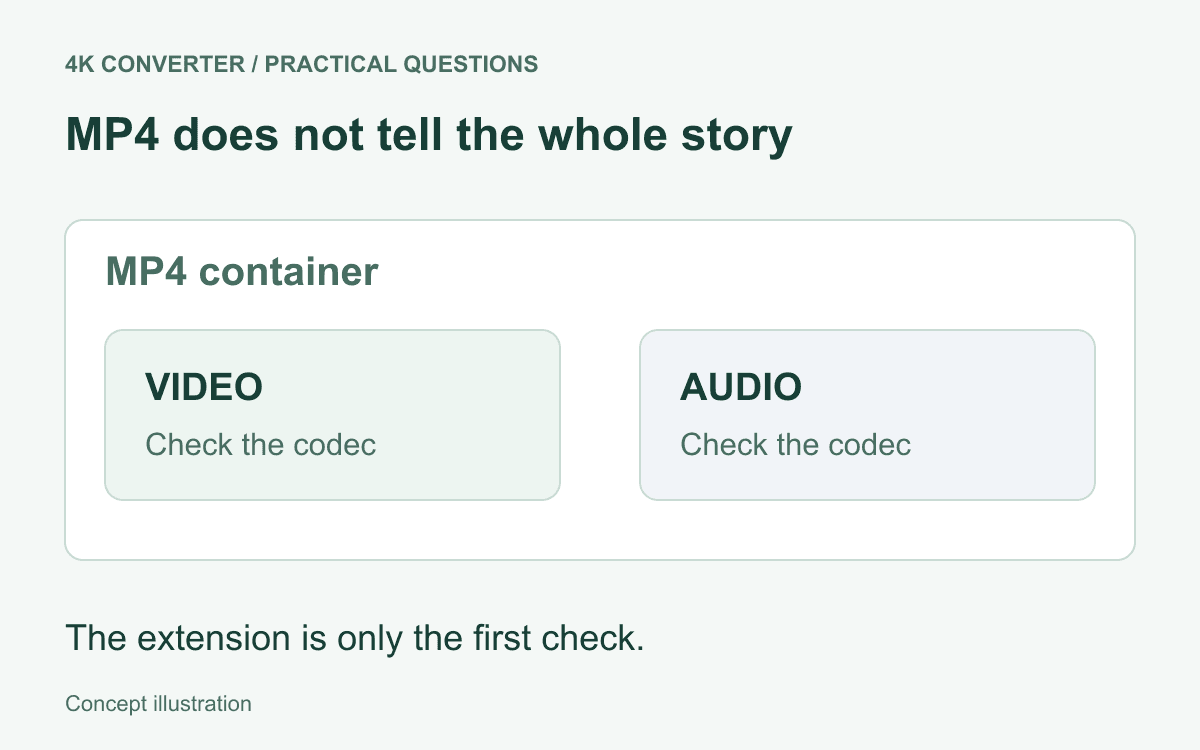
If you have the file but it will not play, investigate playback separately with the MP4 troubleshooting guide. That is no longer just a question about the download deadline.
Finish the job by saving the result
Download after completion, wait for the browser to finish, then open the file from its folder. Give the source and result distinct names. Put anything you need long-term in your own backup location.
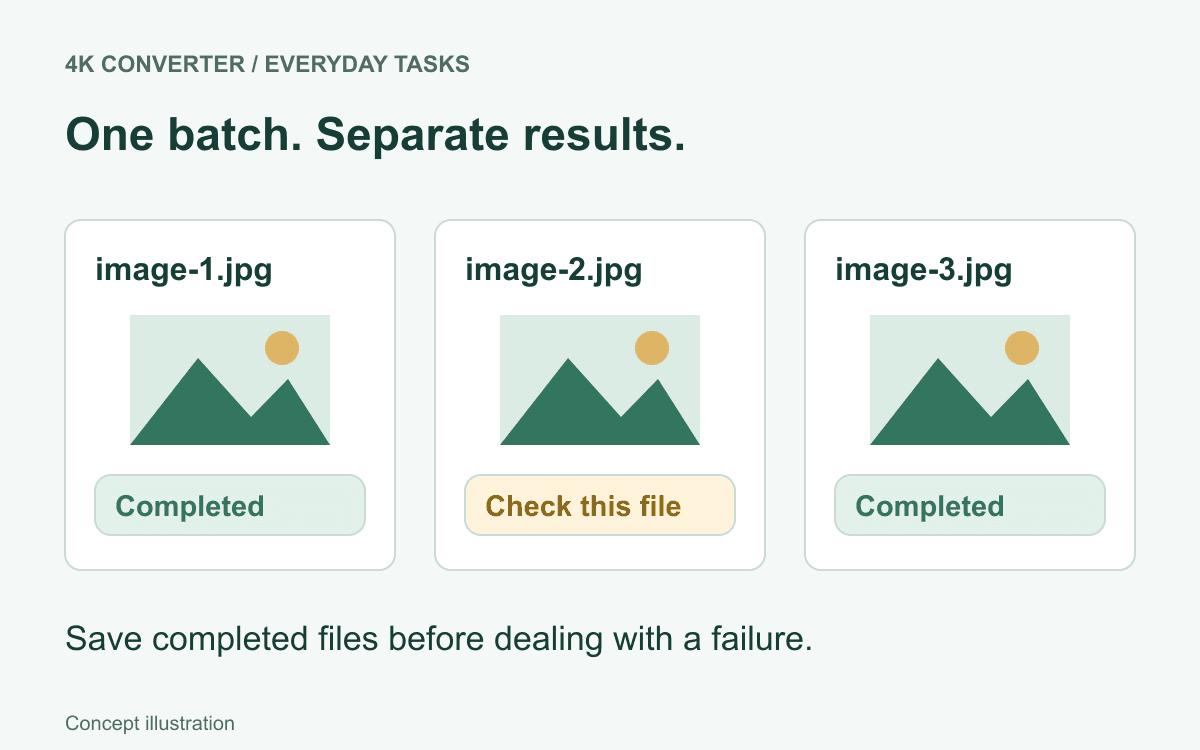
For a batch, count saved files against the completed items; see batch image conversion. When delivering to someone else, send the saved file or use your own sharing arrangement rather than depending on the site's temporary address.
That last check turns a result visible on a webpage into a file you actually have.