4K Converter
Why did my image file get bigger after conversion?
A JPG saved as PNG can grow without looking any different. Even WebP is not a promise of a smaller file. Check what changed and what your upload actually requires.
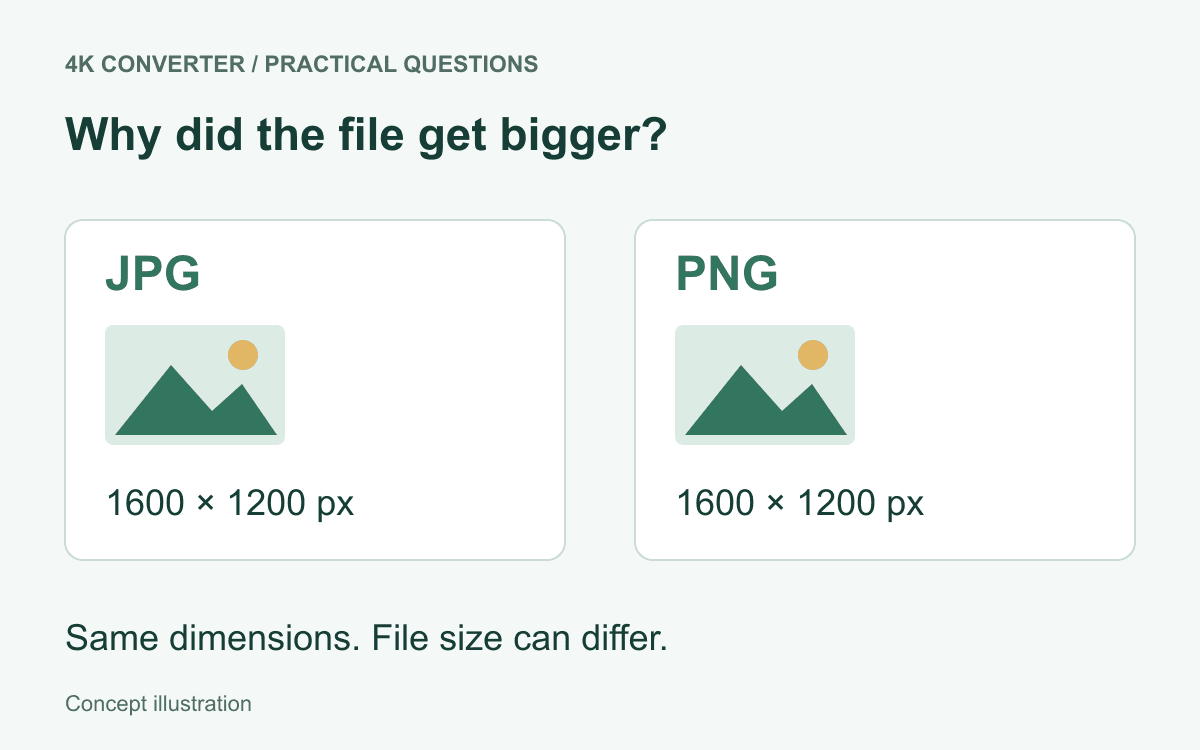
You convert a JPG to PNG to make it easier to upload, then discover that the download is much larger. The image looks much the same, and its dimensions have not changed. That usually means the new format stores the picture differently, rather than that something went wrong.
Changing a format and reaching a particular file-size limit are different jobs. Start with the requirement you were trying to meet.
Same dimensions, different file size
1600 × 1200 describes the pixel dimensions. KB and MB describe storage space. Two images with identical dimensions can have very different file sizes because their content and encoding differ.
A simple icon on a flat background is also a different case from a photograph full of leaves and fine texture. Pixel count alone cannot tell you how many bytes the encoded file will need.
Our Image Converter keeps the original dimensions. After converting, compare the source and download side by side in your file manager: dimensions, format, and actual size. This makes it easier to see what changed.
Imagine a 1600 × 1200 JPG of 600 KB and a PNG copy of 2400 KB at the same dimensions. The second file occupies four times the storage, but contains the same number of pixels. These are illustrative numbers, not a conversion forecast; your own result depends on the image and encoder.
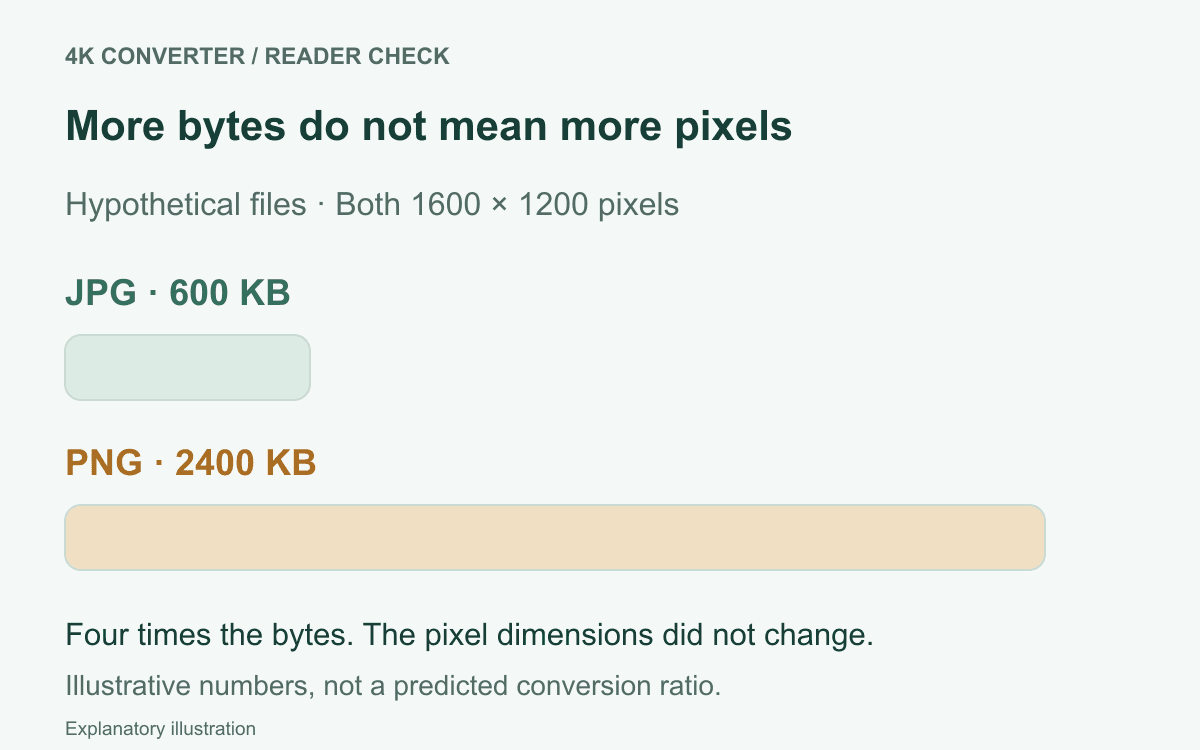
A photograph can need more space as PNG
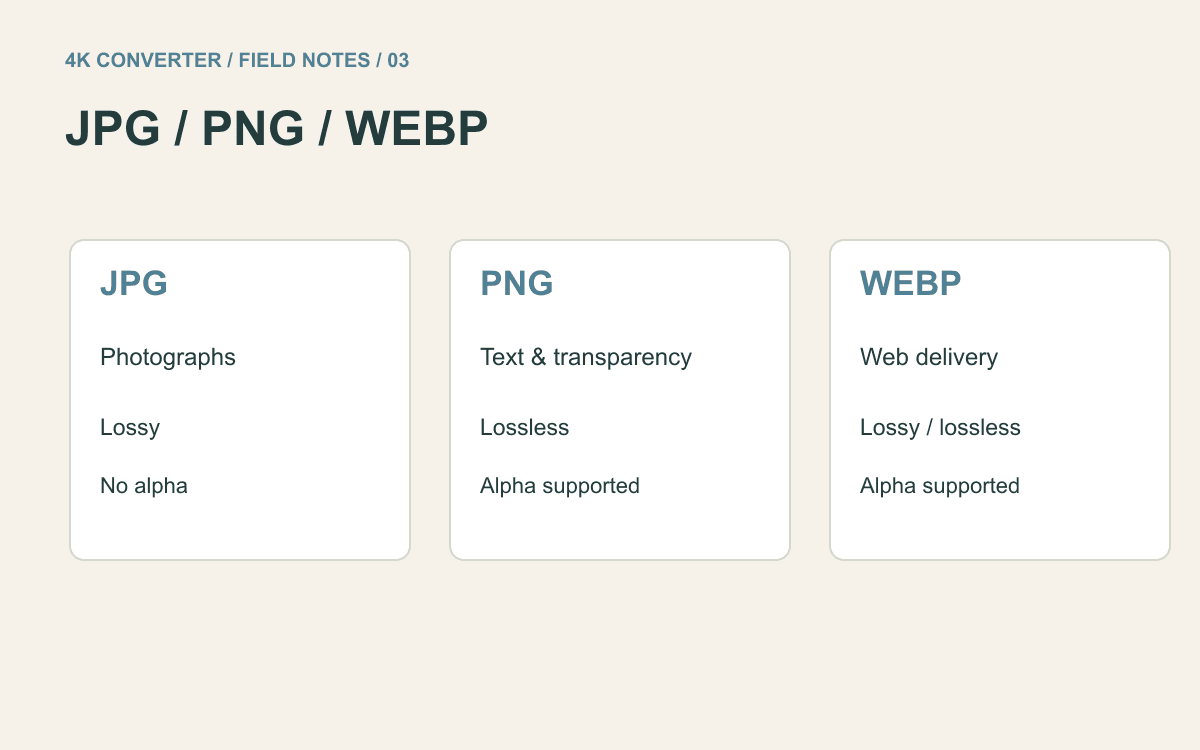
PNG uses lossless compression; JPEG commonly uses lossy compression. MDN's image format reference explains the distinction.
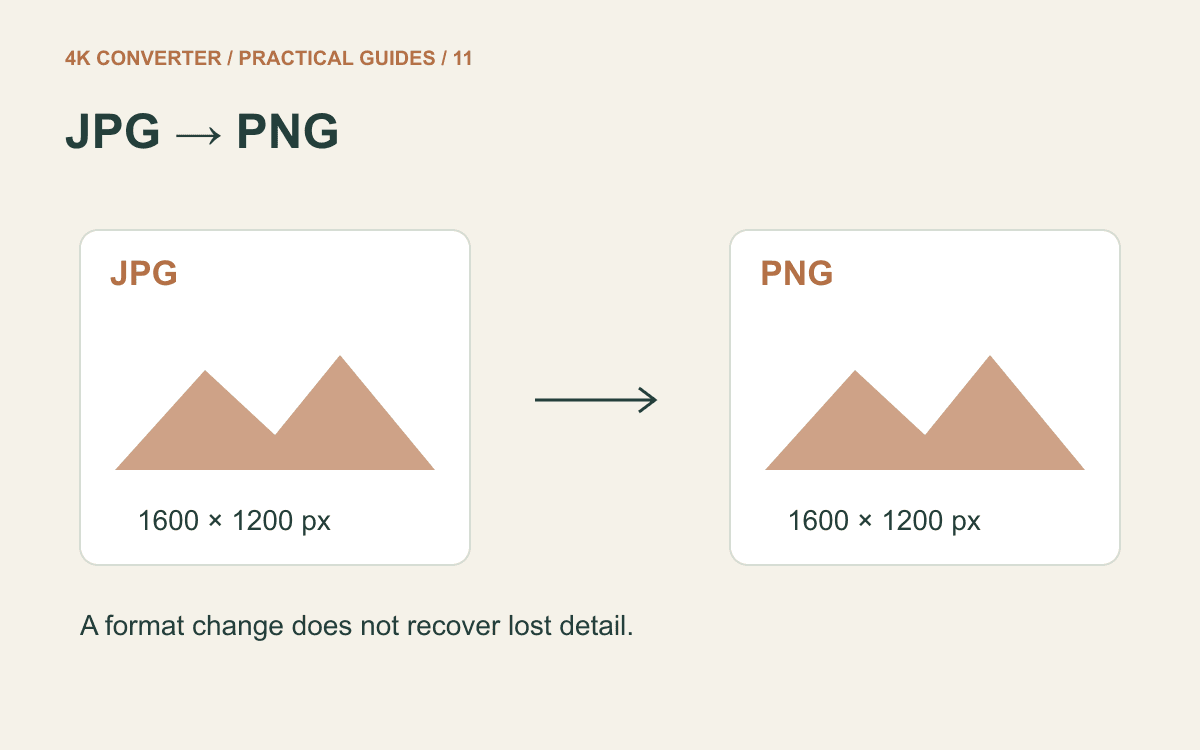
Converting an already compressed JPG to PNG saves the picture that can currently be decoded. It does not recover detail discarded earlier. You can therefore end up with a larger file and little visible difference.
That conversion still makes sense if the receiving system requires PNG. Just avoid treating the larger download as proof of restored quality. The JPG-to-PNG guide covers that use case in more detail.
Why a WebP conversion may not save space
WebP can reduce a delivery file, but an individual result still needs to be measured. Your input may already be tightly compressed, and the new encoder may use a different quality setting.
This site's image converter currently has no target such as “under 200 KB” and no adjustable quality slider. It converts with fixed settings, so it cannot promise the same percentage saving for every picture.
Make each comparison copy from the same source. Repeatedly switching a file from JPG to WebP and back makes the results harder to assess. Check the bytes, then inspect small text, gradients, and edges for visible changes.
Read the actual upload limit
“JPG only,” “maximum 2 MB,” and “required width” are separate conditions. Read the full rejection message before choosing the next step.
In the example above, if an upload accepts JPG and allows up to 2 MB, the original already meets those two conditions. Converting it to the larger PNG creates a size problem. If PNG is mandatory instead, keep that format requirement and prepare a smaller export with suitable controls. Do not reduce dimensions below a required width just to pass the byte limit.
If the type is wrong, convert the format. If the type is right but the file is still too large, use an editor with compression controls to adjust quality or, where allowed, reduce dimensions. Measure the exported file afterward. This site's format conversion does not automatically meet a chosen size ceiling.
Also check whether the image needs transparency. JPG cannot retain it, and our converter places the image on white. Saving a little space is not useful if it removes the background behavior your design needs.
Keep the copy that works for delivery
Open the download again at its intended display size. Read the text, check the background, and try it in the receiving system. A file has done its job when those requirements are met.
Keep the original separately and give the delivery copy a clear name. If both versions are accepted and look good enough, use the smaller one. For a more specific choice, see JPG, PNG, and WebP compared. The smallest file is only useful if it still contains what you need.